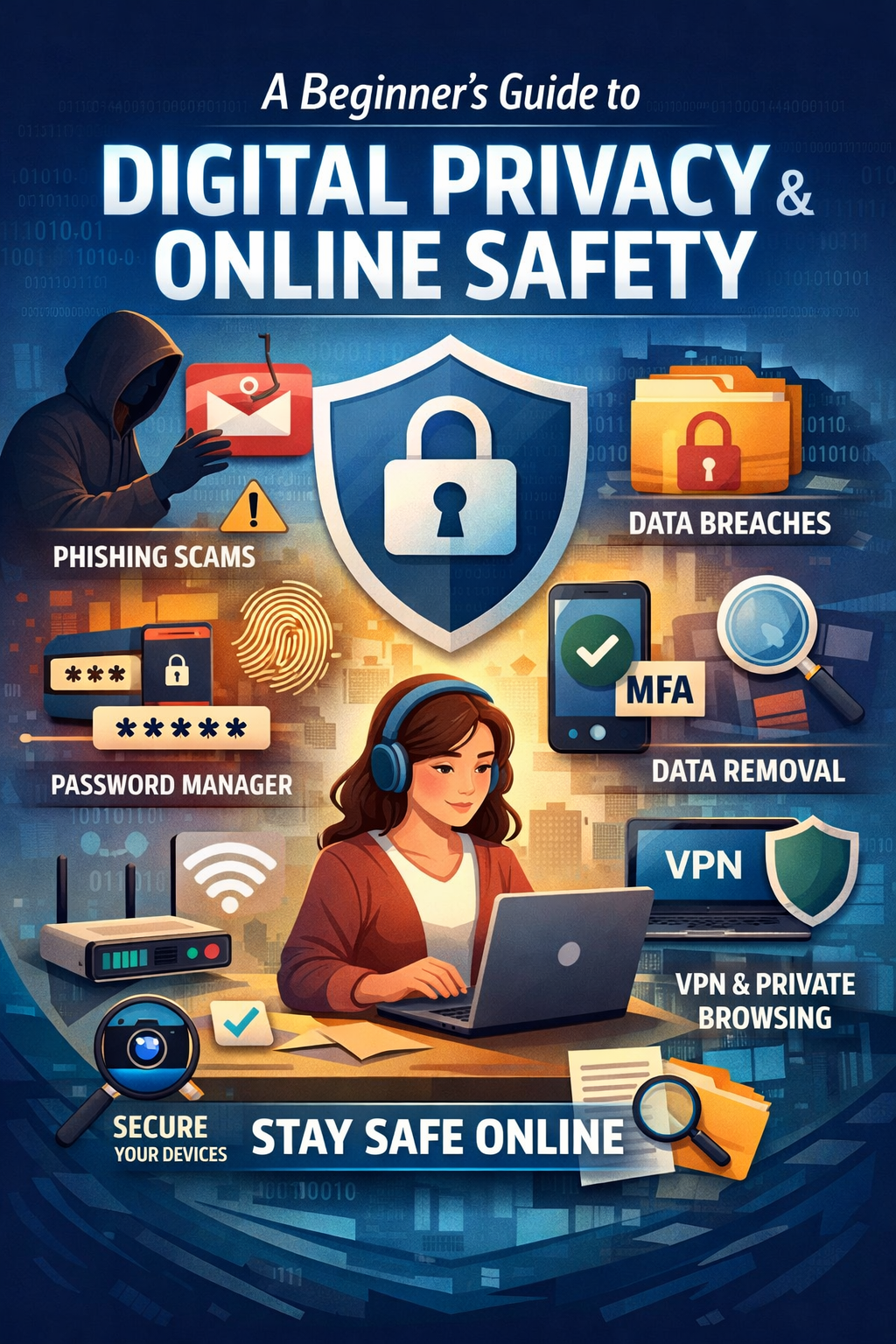
In a world where everything from banking to entertainment happens online, digital privacy and safety have become essential life skills. Yet many people don’t feel tech-savvy or confident enough to protect themselves. This guide is designed for beginners — people who want to stay safe online but don’t know where to start.
The good news? Improving your digital safety is a journey, and you can begin at any level. Whether you already know about password managers or you’re hearing these terms for the first time, every step forward strengthens your online protection.
Understanding Modern Digital Threats
Today’s online threats come from different places — some within your control, others outside it. This guide focuses mainly on the risks you can control, while helping you understand the rest.
1. Phishing, Quishing, Smishing & Social Engineering
One of the most common threats involves someone trying to trick you into clicking a link or sharing sensitive information.
This may happen through:
Email (phishing)
Text message (smishing)
QR codes (quishing)
Phone calls or impersonation (social engineering)
Attackers often pretend to be trusted companies or play on fear (“urgent alert!”) to make you act quickly.
2. Data Brokers
Data brokers collect your information — location, browsing habits, ad data, and account activity — and sell it to anyone willing to pay. Your smartphone tracking, app permissions, and website cookies are major data sources.
3. Data Breaches
Companies you trust sometimes get hacked, exposing information like:
Names, emails, phone numbers
Addresses
Passwords
Financial or identity data
Breaches happen regularly, and you can’t stop them — but you can limit the damage.
4. Government Surveillance
Nation-states and intelligence agencies sometimes conduct large-scale digital surveillance. These cases are rare for everyday users, but it’s still important to understand the landscape.
5. Device Hacking & Vulnerabilities
Many people imagine hackers “breaking into” phones or computers. While this does happen, it is far less common than phishing or data harvesting. Still, outdated software or insecure devices can make you a target.
Simple Techniques to Boost Your Safety
These basic tools and habits provide strong protection from the most common online threats.
Password Managers & MFA
Password managers create strong passwords and store them securely so you don’t need to remember them.
Multi-factor authentication (MFA) adds another layer of security by requiring a second step like a code or fingerprint.
Good options include:
Bitwarden
Proton Pass
2FAS and Ente Auth (for MFA codes)
Avoid storing your passwords and MFA codes in the same app. Also avoid tools with a history of breaches, such as LastPass.
How to Create a Strong Master Password
Use uppercase, lowercase, numbers, and symbols
Use at least 20 characters
Avoid dictionary words and personal info
Use a memorable phrase and turn it into a long, complex acronym
Write your master password on paper until memorized—then destroy the paper.
Important Settings to Enable
Turn off auto-fill in browser extensions
Let your password manager open the official website for each login
Enable auto-lock and clipboard clearing
Set up MFA and recovery options
Choosing Private Devices & Tools
Your privacy is only as strong as the tools you use.
Cameras & Microphones
Any internet-connected device with a mic or camera can be compromised.
Basic protection:
Cover webcams
Disable mics when not needed
Avoid unnecessary smart devices
Mobile Phones
Security updates matter more than brand.
General advice:
iPhones receive long-term security updates
Many Android phones stop receiving updates quickly
Turn off:
Precise location (unless needed)
Ad tracking
Background location access
Computers
Avoid ChromeOS-style or Android-based desktop systems
Choose devices with TPM and modern Wi-Fi standards
Linux-based OS (like Mint, Ubuntu, Fedora) offer better privacy than Windows
Routers
Your Wi-Fi router is often the weakest point.
Minimum steps:
Change the default password
Disable WPS
Rename your Wi-Fi to something generic
Create a separate guest network
Check what devices are connected
Smart Home Devices
Smart cameras, speakers, doorbells, and IoT devices collect huge amounts of data.
If you must use them:
Put them on a separate guest network
Restrict access using their MAC address
Prefer devices that store data locally rather than in the cloud
Web Browsing & Software Choices
Browsers
Chrome and Edge → Fast but heavily track you
Firefox → Good privacy with some configuration
Tor Browser → Strong privacy; slower due to encryption
Operating Systems
For most users:
Windows and Android = high tracking, moderate security
Linux = private, secure, and free
If privacy is a priority, consider switching.
VPNs: What They Really Do
VPNs are useful but often misunderstood.
VPNs do not:
Make you anonymous
Protect you from phishing or malware
Hide your activity if the provider keeps logs
Some VPNs (like NordVPN) have been caught keeping logs despite advertising “no logs”.
VPNs do:
Hide activity from your internet provider
Help with public Wi-Fi safety
Change your IP address
Use VPNs as a tool, not a magic shield.
Dealing With Data Already Exposed
Everyone already has personal data floating around the internet.
That’s normal — and it’s never too late to start improving privacy.
You can:
Opt out of data broker sites
Send deletion requests to companies where you have accounts
Use trusted services that automate data removal (avoid low-quality ones)
Conclusion
Digital privacy isn’t about being invisible — it’s about regaining control.
You don’t need advanced technical skills to protect yourself. Small, consistent actions like using a password manager, updating devices, limiting tracking, and learning to spot scams can dramatically improve your safety.
This guide gives you the foundation to start your journey.
Each step you take makes your digital life more secure.