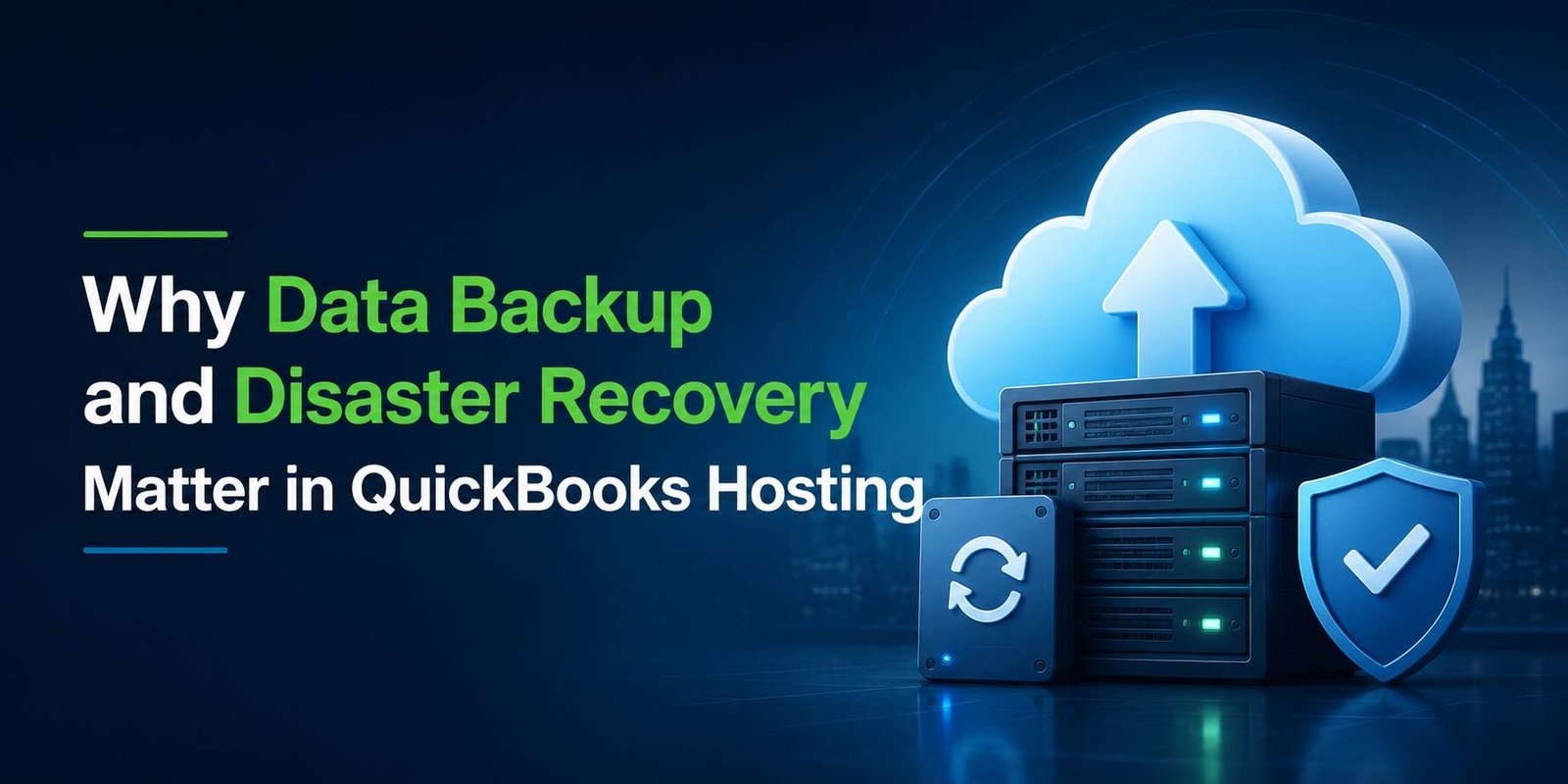
Businesses today rely heavily on digital accounting systems to manage financial data, payroll records, invoices, tax information, and customer transactions. For organizations using QuickBooks, protecting this critical data is essential. While cloud technology has transformed the way businesses access and manage accounting software, it has also increased the importance of robust backup and disaster recovery strategies.
QuickBooks hosting provides a significant advantage by offering a secure cloud environment with advanced data protection measures. Businesses using QuickBooks hosting can safeguard their accounting information against unexpected events such as hardware failures, cyberattacks, accidental deletions, and natural disasters. A reliable backup and disaster recovery plan helps ensure business continuity, reduces downtime, and keeps critical financial data accessible when it is needed most.
Understanding Data Backup and Disaster Recovery
Although often mentioned together, data backup and disaster recovery serve different purposes.
Data Backup refers to creating copies of important files and storing them securely so they can be restored if the original data is lost or corrupted.
Disaster Recovery is a broader strategy that includes processes, technologies, and procedures for restoring systems, applications, and data after a disruptive event.
Together, these two components help businesses recover quickly and continue operations with minimal interruptions.
The Growing Risks to Business Data
Financial information is among the most valuable assets of any organization. Unfortunately, it is also vulnerable to numerous threats.
Some common risks include:
• Hardware failures
• Human errors and accidental deletions
• Malware and ransomware attacks
• Power outages
• Network failures
• Natural disasters such as floods, storms, and earthquakes
• Unauthorized access and cyber threats
Without proper safeguards in place, any of these incidents can result in data loss, operational delays, compliance issues, and financial setbacks.
Why Data Backup is Essential in QuickBooks Hosting
Several key factors highlight the importance of data backups:
1. Protection Against Accidental Data Loss
Employees may accidentally delete files, overwrite records, or make unintended changes. Even a small mistake can create significant accounting discrepancies.
With QuickBooks hosting, automatic backup systems regularly create copies of accounting data, allowing businesses to restore previous versions when needed.
2. Safeguarding Against Hardware Failures
Traditional desktop setups often store accounting files on local computers or servers. If a hard drive crashes, valuable financial records may become inaccessible.
Hosted environments maintain backups across multiple storage systems, significantly reducing the risk of permanent data loss.
3. Defense Against Cyber Threats
Cybercriminals increasingly target businesses with ransomware attacks that encrypt critical files and demand payment for restoration.
Regular backups provide a safety net, enabling organizations to recover their data without relying on attackers or paying ransom demands.
4. Regulatory Compliance
Many industries have strict requirements regarding data retention and protection. Backup solutions help organizations meet compliance standards while maintaining accurate records for audits and reporting purposes.
The Role of Disaster Recovery in Business Continuity
Backing up data is only one part of the equation. Businesses also need a plan to restore operations quickly when disruptions occur.
1. Minimizing Downtime
Every minute of downtime can impact productivity, customer service, and revenue. A disaster recovery strategy ensures that systems can be restored rapidly after an incident.
2. Maintaining Customer Trust
Clients expect businesses to manage their financial information securely. Long periods of downtime or data loss can damage a company's reputation.
Effective disaster recovery procedures help maintain reliability and customer confidence.
3. Faster Recovery of Critical Applications
Accounting systems are central to daily business operations. Disaster recovery solutions prioritize restoring essential applications such as QuickBooks, ensuring employees can continue working with minimal interruption.
5. Protection from Geographic Disasters
Natural disasters can affect entire regions, making local recovery difficult. Cloud-hosted environments often replicate data across geographically separate data centers, providing an additional layer of protection.
How QuickBooks Hosting Enhances Backup and Disaster Recovery
One of the major advantages of QuickBooks hosting is the built-in infrastructure designed to protect business data.
1. Automated Backup Processes
Cloud-hosted environments typically perform scheduled backups automatically. This eliminates the need for manual backup procedures and reduces the risk of human error.
2. Redundant Storage Systems
Hosted solutions often use redundant storage architectures that store data in multiple locations simultaneously. If one storage system fails, another copy remains available.
3. Secure Data Centers
Professional hosting providers operate enterprise-grade data centers equipped with advanced security measures, including:
• Physical security controls
• Network monitoring
• Fire suppression systems
• Environmental controls
• Continuous surveillance
4. Rapid Data Restoration
In the event of data loss, restoration procedures can be initiated quickly, helping businesses resume operations without lengthy delays.
5. Geographic Redundancy
Many hosting providers maintain backup copies in separate data centers. This approach ensures that data remains available even if one facility experiences an outage or disaster.
Best Practices for Data Backup and Disaster Recovery
Even with reliable hosting services, businesses should follow best practices to maximize protection.
➜ Develop a Recovery Plan
Create a documented disaster recovery strategy that outlines recovery procedures, responsibilities, and communication plans.
➜ Test Backup Systems Regularly
Backups are only valuable if they can be restored successfully. Regular testing helps verify data integrity and recovery readiness.
➜ Train Employees
Employees should understand proper data handling procedures and recognize common cybersecurity threats.
➜ Implement Strong Security Measures
Use strong passwords, multi-factor authentication, endpoint security solutions, and regular software updates.
➜ Monitor Recovery Objectives
Organizations should establish Recovery Time Objectives (RTOs) and Recovery Point Objectives (RPOs) to define acceptable downtime and data loss thresholds.
Financial Benefits of Strong Backup and Recovery Strategies
Investing in backup and disaster recovery capabilities can generate substantial long-term savings.
Benefits include:
• Reduced downtime costs
• Lower risk of data loss
• Improved operational continuity
• Enhanced customer confidence
• Better regulatory compliance
• Reduced IT recovery expenses
Businesses that proactively protect their accounting data often avoid costly disruptions and maintain smoother operations.
Conclusion
Data loss can occur unexpectedly and have serious consequences for businesses of all sizes. Whether caused by cyberattacks, hardware failures, human error, or natural disasters, losing access to critical financial information can disrupt operations and impact profitability. That is why data backup and disaster recovery should be a top priority for every organization.
With QuickBooks hosting, businesses benefit from automated backups, secure cloud infrastructure, rapid recovery capabilities, and enhanced protection against modern threats. These features help ensure business continuity and safeguard valuable accounting records.
For organizations seeking reliable and secure QuickBooks cloud solutions, Apps4Rent provides enterprise-grade hosting services designed to keep your data protected, accessible, and recoverable whenever you need it.
Frequently Asked Questions
1. What is data backup in QuickBooks hosting?
Data backup involves creating secure copies of QuickBooks files and accounting data so they can be restored if the original information is lost, corrupted, or deleted.
2. Why is disaster recovery important for businesses using QuickBooks?
Disaster recovery helps businesses quickly restore data, applications, and operations after unexpected events such as cyberattacks, hardware failures, or natural disasters.
3. How often are backups performed in QuickBooks hosting environments?
Most hosting providers perform automated backups regularly, often daily or multiple times per day, depending on the hosting plan and business requirements.
4. Can QuickBooks hosting protect against ransomware attacks?
While no system is completely immune to cyber threats, hosted environments with secure backups can help businesses recover their data without significant disruption following a ransomware incident.
5. How does QuickBooks hosting improve business continuity?
QuickBooks hosting provides secure cloud access, automated backups, redundant infrastructure, and disaster recovery capabilities that help businesses maintain operations even during unexpected disruptions.
Tags : QuickBooks Hosting