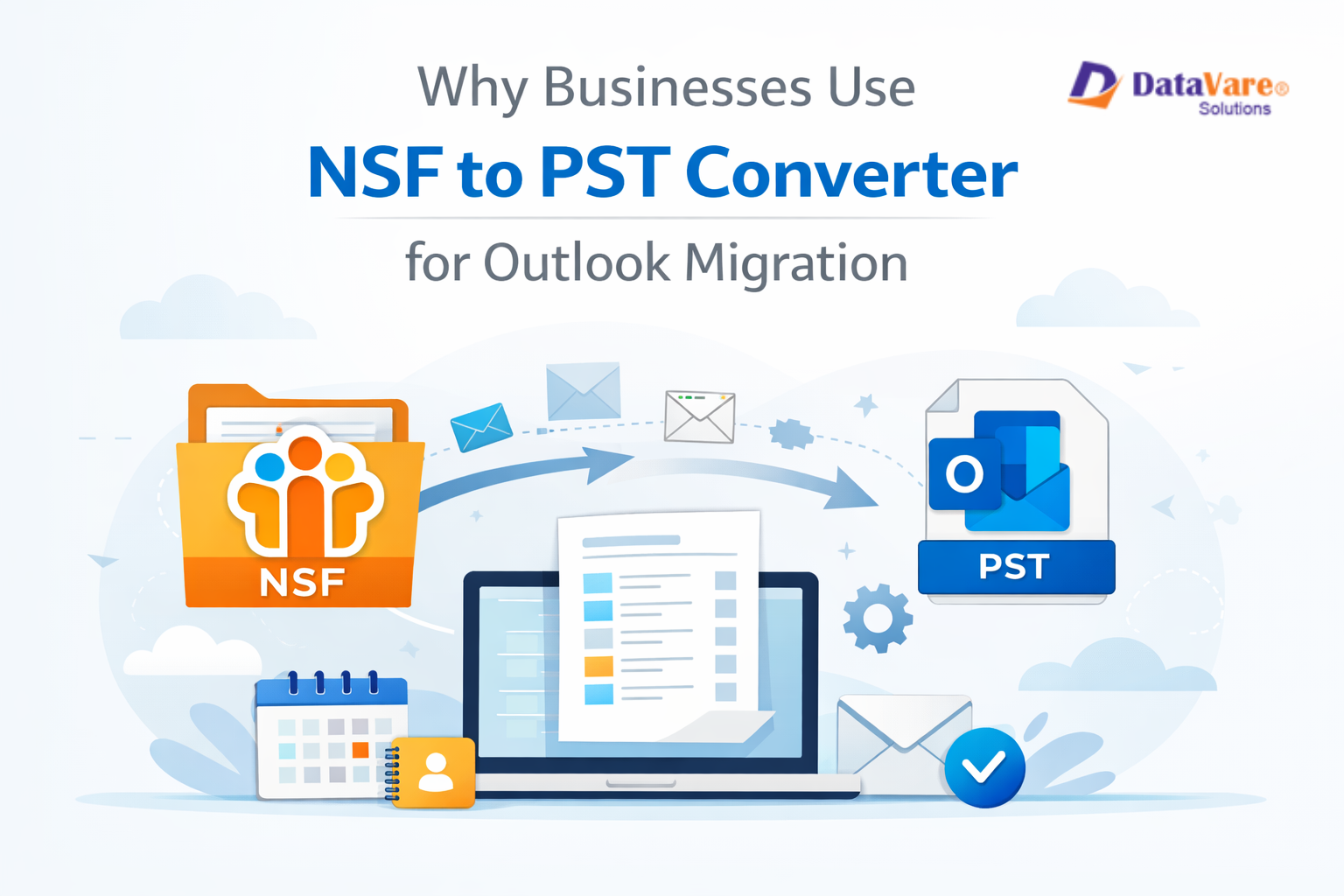
A lot of companies are migrating from IBM Lotus Notes to Microsoft Outlook. Outlook is easier to use, integrates better with Microsoft technologies, and is more common in today's offices. But it's not easy to migrate emails from Lotus Notes to Outlook because they use different file types. Lotus Notes uses NSF files, and Outlook uses PST files.
Because of this discrepancy, companies need a safe and dependable mechanism to convert their data. This is why businesses employ a NSF to PST Converter. It helps migrate emails, contacts, calendars, and other mailbox data from Lotus Notes to Outlook without losing any data.
This blog will explain what NSF and PST files are, why organizations need to convert them, and how a software makes the process simple and safe.
What Is an NSF File?
IBM Lotus Notes uses an NSF (Notes Storage Facility) file. It keeps all the mailbox info, like
- Email
- Attachments
- Contacts
- Calendars
- Journals and Tasks
These files are created on either the Lotus Notes server or the local computer. NSF files cannot be opened directly in Microsoft Outlook. This causes an issue when a company migrates to Outlook.
What Is a PST File?
Microsoft Outlook utilises a PST (Personal Storage Table) file. It has:
- Contacts
- Emails
- Calendars
- Tasks
- Notes
Outlook only works with PST files. To see or use Lotus Notes emails in Outlook, you need to migrate NSF files into PST files.
Why Companies Migrate from Lotus Notes to Outlook
Many businesses are migrating to Microsoft Outlook because
- It is easier to use.
- It works well with Microsoft 365
- It lets you access the cloud.
- It offers enhanced email management tools.
- It's easier to acquire IT help
But convert Lotus notes to Outlook without a converter can be slow, risky, and hard.
Why Companies Use NSF to PST Converter
Businesses utilize professional software for these major reasons:
1. To Keep Data Safe
Using manual approaches can lead to missing emails, damaged attachments, or lost folders. A professional software protects data.
2. To save time
Big businesses can get thousands of emails. It takes weeks to convert them by manually. A tool finishes it in a few hours.
3. To Keep the Folder Structure
To avoid confusion, converters keep the original layout of the email folders.
4. To Help with Bulk Conversion
A lot of the time, businesses need to migrate a lot of mailboxes at once. This is easy for a tool to perform.
5. To Make Sure Emails Are Correct
The emails, attachments, and metadata are all converted correctly.
Select a Trusted Solution for Smooth Email Migration
DataVare NSF to PST Converter is a robust and easy-to-use tool that works for enterprises of all sizes. It quickly and safely migrates NSF files into PST files that can be opened in Outlook.
Important Features
- Migrates all NSF data, such as emails, contacts, and calendars
- Keeps the same folder structure as before
- Can handle big NSF files
- It lets you convert many files at once.
- All versions of Lotus Notes and Outlook can use this tool.
- An interface that is easy to use and understand
- You don't need to know a lot about computers to use this application. It's easy for anyone to convert files.
How the Conversion Process Works?
It's quite easy to use the software:
- Set up and use the software

- Import your NSF files.

- Select PST as the export format
- Select the destination where you like to save the data

- Press "Convert"

That's all. Outlook is ready to open your data.
How This Tool Supports Business Growth?
- Migrating email faster
- No chanceof making mistakes
- No need to do any work manually
- Professional results
- Cuts down on IT costs
This is why many IT teams and businesses trust this software to migrate Outlook.
In conclusion
Companies go from Lotus Notes to Outlook to make communication and work more efficient. You can't open NSF files in Outlook, therefore you have to convert them first. The safest and most accurate way to migrate data is to use a dependable software.
The software is a quick, easy, and safe way to do this. It helps companies migrate their email without losing any data or becoming stressed out. If your business is going to migrate to Outlook, this tool can help the process go smoothly and be successful.
Questions and Answers
Q1: Is it possible to open NSF files in Outlook?
No, Outlook can't open NSF files. First, you need to convert them to PST.
Q2. Is it safe to use the software?
Yes. It protects your data and doesn't affect the original files.
Q3: Can you convert more than one NSF file at once?
Yes. The software can convert a lot of files at once.
Q4. Will my email folders stay the same?
Yes. The original folder structure is kept.
Q5: Do I need to have Lotus Notes on my computer?
Yes. You need to have Lotus Notes installed on your computer for the software to work and do the conversion.