Wholeclear Merge vCard Software review: pros, Cons, features, Speed & Accuracy Test?
By andersonnash 01-09-2026 3
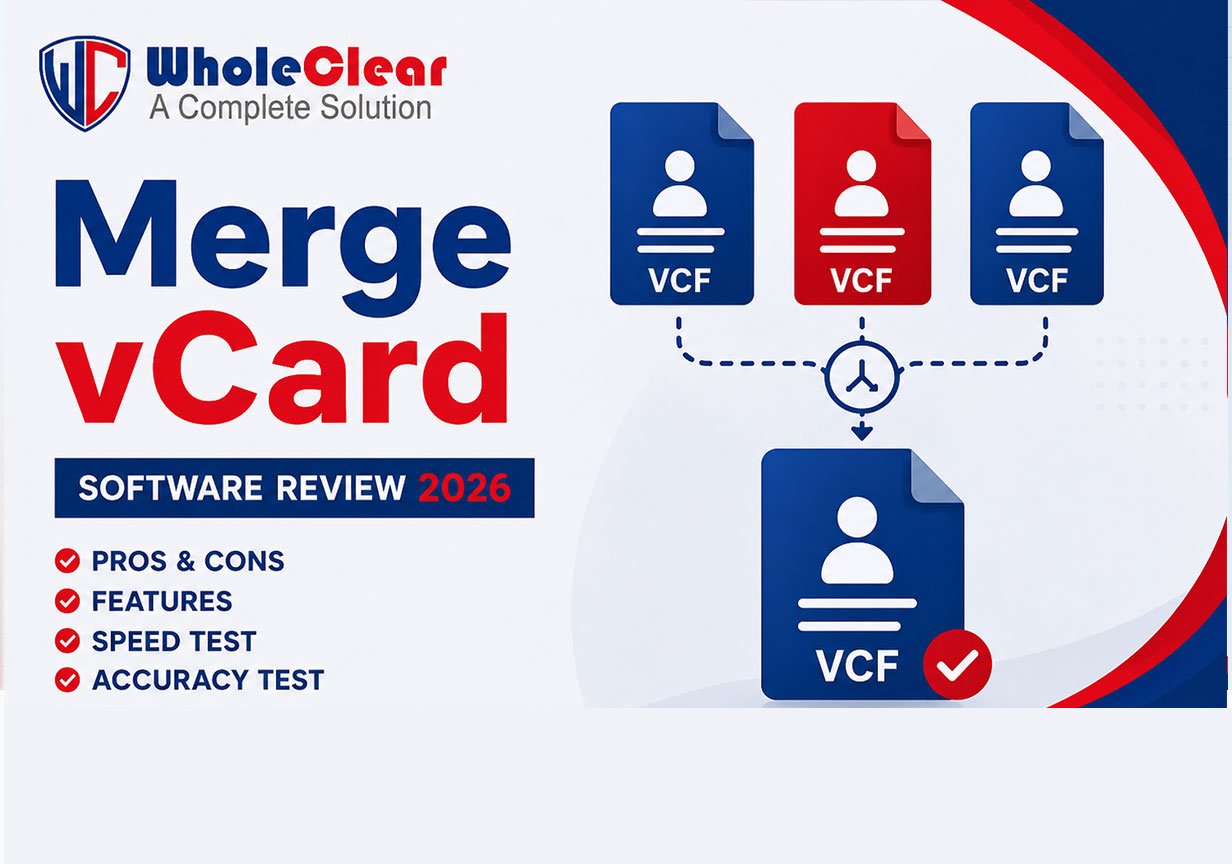
Summary
Maintaining contacts is a difficult task if vCard data is distributed across multiple VCFs. Contacts from phones, Outlook, Gmail, iCloud, G Suite and other services – even when they come with dozens or hundreds of separate VCF files – can make backup and migration unnecessarily complicated.
WholeClear Merge vCard Software is designed to solve this problem and merge multiple VCF files into a single vCard file. The software supports VCF files of different platforms and versions and allows users to scan, preview, select files and save the merged output to preferred location.
In this review, we will look at its features, pros and cons, speed, accuracy, usability, supported VCF versions and overall performance.
What Is WholeClear Merge vCard Software?
Merge vCard Software is a contact management utility that merges multiple VCF files into a single consolidated VCF file. Users can add individual VCF files or an entire folder and merge them through the software instead of manually opening and combining contact files.
The tool is built to keep contact information like names, addresses, email addresses, phone numbers, images, descriptions during the merge process. It supports VCF files from iPhone, G Suite, Gmail, Outlook, Skype, iCloud, BlackBerry and smartphones.
now markets its software as being available for Windows, macOS and Linux, but the Merge vCard page itself still contains older compatibility info for Windows only. So you should check the availability of the current platform before installation.
Merge vCard Software Features
1. Combine multiple VCF files into a single file
The main purpose of the software is to combine several VCF files into one VCF file. This can make large collections of contacts easier to manage, transfer and back up.
For example, instead of managing them separately, you can combine multiple VCF files from different devices into one consolidated contact file.
2. Choose VCF Files or Entire Folder
Add VCF files one by one or select an entire folder with multiple contact files. The software scans the added contacts before merging and shows the contact info and number.
This comes in handy when you have a lot of files.
3. Compatible with Various VCF Versions
Says the software supports vCard 2.1, 3.0 and 4.0. It also supports VCF files coming from other applications and platforms.
This compatibility across versions is important, as contact files may have been created by different devices or applications.
4. Contact Info Remains
states that the software retains contact details during merging, such as:
- Title
- Location
- E-mail Address
- Tel No
- Images
- Description.
- Other ways to contact us
This is one of the most important things to check when merging contact files because the final VCF is only as useful as the accuracy with which the original information is retained.
5. Scanning and Preview
It sniffs out loaded VCF files and gives you a preview of what contact information is available ahead of the merge. This enables users to verify their input data before the final file is created.
6. No Express File Count Limitation in Licensed Version
According to , there is no limitation on the number of VCF files and file size for the licensed version. But the demo version is restricted to merging 25 VCF contacts.
7. Single Utility
The software can perform the VCF merging operation without the need for another application. The application allows you to load the files, select the destination, and generate the merged VCF.
Merging Multiple VCF Files
The process is rather simple and can be accomplished in four basic steps.
Step 1: Download and open the software
Download Merge vCard Software and run the application on your system.
Step 2: Add VCF Files
Select individual VCF files by browsing, or add a folder containing multiple VCF files. The software will go through the selected contacts before processing them.
Step 3: Choose the Output Location
Select the location in which you want to save the output combined VCF file.
Step 4: Produce the merged VCF
Click on Generate Now to merge the selected contacts into a single VCF file.
Test Speed
Speed is a factor to consider when merging a large amount of contact files.
The VCF merger of is known as a fast way to merge VCF files. There are no restrictions on file size and file count in the licensed version of software.
However, there is no processing time fixed and published on the product page. Actual performance is subject to:
- VCF file count
- Overall file size
- Contacts number
- Contact field complexity
- Inline Pics
- Hardware & computers
- Performance of storage
The merge process should be fairly simple for a small collection. Of course, larger collections of thousands of contacts or image-heavy records will require more processing power.
Note for review: speed claim should be taken as a product spec and not a metric benchmark in itself. The same VCF dataset should be used on their own system and processing time should be measured for a real performance test.
Accuracy Testing
In terms of contact information, accuracy is more important than speed.
says that it maintains complete contact details during merging including names, addresses, email IDs, phone numbers, Images, and descriptions.
For a practical accuracy test, the original VCF files should be compared to the final merged file.
- Contact Data Things to check
- Names Correct first and last name
- Phone Numbers Numbers are stored
- Email IDs Email addresses remain the same
- Addresses Physical address information is saved
- Images Contact photos are still available
- Descriptions Notes & Descriptions are kept
- URLs Website information still can be reached
- All expected contacts are in the merged file. Contact Count
We recommend testing a sample set on important business contacts before merging the complete set.
Features of Merge vCard Software
- Merges several VCF files into one.
- VCF 2.1, 3.0 and 4.0 support.
- It supports contacts from different platforms.
- Lets you select individual files or folders.
- Offers scan and preview.
- Vendor states it keeps different contact properties.
- The licensed version has no limit on the number of files or the size of files.
Lets you choose where the output goes.
The demo version allows you to work with 25 contacts.
- The product page does not include independent speed benchmarks.
- Users should check important contact fields after the merge.
- The product page has conflicting information on the platform. It currently says it’s available for Windows,
- macOS, and Linux, while the older page content describes the particular tool as Windows-based.
It is focused on merging VCF files, rather than having advanced contact-cleaning or deduplication features.
- Who can use Merge vCard Software?
The software may be helpful to:
For Personal Users:
People with contact files across multiple devices can merge them into a single VCF file.
Businesses:
Organizations can combine contact lists from various departments or sources into one address book.
IT Professionals:
Administrators can perform contact migrations and merge multiple VCF files before importing them to another platform.
Conclusion
Merge vCard Software is a dedicated tool for those users who want to combine multiple VCF files into one. The main advantages are its simple process, compatibility with different vCard versions, contact details preservation, preview option, and capacity to handle large contact lists.
The software is particularly useful when contacts are scattered across multiple VCF files and need to be consolidated prior to backup, migration or import into another application.
The primary weakness from a review perspective is the absence of independent performance benchmarks. says the process is fast, but the actual speed needs to be determined with a user’s own contact data.
Conclusion Merge vCard Software is an effective tool for basic VCF merging, especially for users seeking an easy method to merge contacts without the hassle of manually editing a multitude of files.
Common Questions
1. Merge vCard Software Functionality?
It merges multiple VCF/vCard files into one combined VCF file.
2. What VCF versions are supported?
It supports vCard 2.1, 3.0 and 4.0.
3. Does it store contact information?
WholeClear says that names, addresses, email addresses, phone numbers, images, descriptions and other contact information are retained on merging.
4. How many VCF files am I allowed to have?
WholeClear says there is no limit on VCF file size or number of files to be converted in the licensed version. The demo version is limited to 25 contacts only.
Tags : Merge vCard Software merge vCard