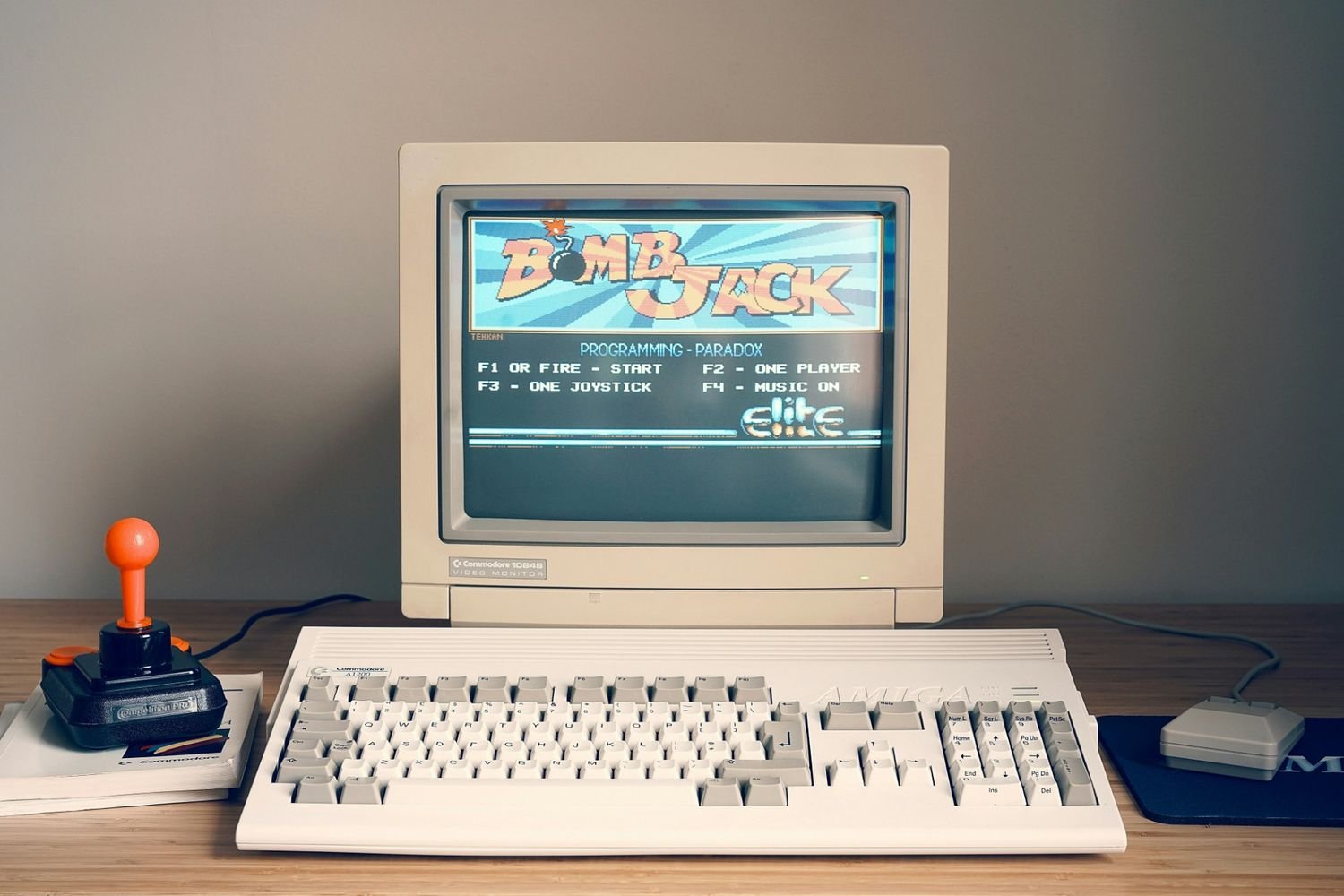
We have all been there. You press the power button, grab a cup of tea, come back, and your computer is still loading. Windows takes forever to start. Your browser freezes when you open three tabs. Your media player stutters during a simple video. If this sounds familiar, you are not alone.
Millions of people around the world are still using old or low-end PCs every single day. Not everyone can afford to buy a new machine, and honestly, you should not have to. The truth is, most slow computers are not broken. They are just running software that was never designed for them.
Modern programs are built for powerful, high-end machines. They assume you have lots of RAM, a fast processor, and a solid-state drive. When your hardware does not match those expectations, everything slows to a crawl. If you have been looking for real solutions without spending money on new hardware, this practical tech resource is a great place to start — packed with honest advice for everyday users just like you.
In this article, we are going to walk you through the best lightweight software options that can speed up your slow computer right now. No hardware upgrades needed. No technical skills required.
Why Your Old PC Feels So Slow
Before we get into the software, it helps to understand why your computer slows down in the first place.
When you install a heavy program, it does not just run when you open it. Many programs launch automatically in the background when your computer starts. They sit there quietly eating up your RAM and CPU even when you are not using them. Over time, as you install more programs, more things run in the background, and your computer gets slower and slower.
On top of that, modern software updates keep making programs bigger and heavier. A browser that was perfectly fine on your PC three years ago might now be a resource monster because of updates. This is why computers that used to work fine suddenly feel sluggish without any real change in hardware.
The fix is simple. Replace those heavy programs with lightweight alternatives that do the same job using far fewer resources.
Lightweight Browsers to Replace Chrome
If there is one change that will make the biggest immediate difference on your slow PC, it is switching your browser. Google Chrome is incredibly popular but notoriously heavy. Even with just a few tabs open, it can consume more RAM than your entire system has available.
Firefox With a Light Setup
Firefox is a great starting point. By itself it is not the lightest browser, but with a few tweaks it becomes surprisingly efficient. Disable extensions you do not use, keep your tabs to a minimum, and turn off background data collection in the settings. A lean Firefox setup gives you a fast, private, and familiar browsing experience on older hardware.
Midori
Midori is a lightweight browser that most people have never tried, but those who do tend to stick with it. It uses very little memory and loads pages quickly. It has a no-nonsense interface without animations or heavy UI elements. If you mainly use the internet for reading, researching, watching basic content, or checking your email, Midori handles all of that with ease.
Pale Moon
Pale Moon is built on older browser technology that has been carefully optimized for speed. It runs well on computers that struggle with modern browsers. It still supports extensions, so you have some room to customize it. If you want something stable and fast on an old machine, Pale Moon is a solid choice.
Lightweight Office Software That Gets the Job Done
Microsoft Office is one of the heaviest pieces of software on most people's computers. It is powerful, yes, but for writing a letter or building a basic spreadsheet, you simply do not need all of that. There are excellent free alternatives that open faster, run lighter, and handle everyday documents without any trouble.
LibreOffice
LibreOffice is probably the most well-known free office suite available. The smart approach on an old PC is to do a selective install. Only install the components you actually use. If you just need a word processor, install Writer. If you need spreadsheets, install Calc. This keeps the footprint small while giving you all the tools you genuinely need. It also fully supports Microsoft Office file formats, so compatibility is never a problem.
AbiWord
AbiWord is a word processor that opens in seconds. Seriously, blink and it is already loaded. It is ideal for anyone who just needs to write documents, take notes, or prepare simple reports. It does not try to be everything. It just focuses on doing one thing well, and on an old computer that approach is very refreshing.
Gnumeric
For spreadsheet work, Gnumeric is one of the best lightweight options out there. It handles formulas, basic charts, and data sorting with speed and accuracy. On a slow PC, the difference between opening Gnumeric and opening a full office suite is immediately noticeable. It loads fast, responds quickly, and rarely gives you trouble.
Lightweight Media Players for Smooth Playback
Trying to watch a video on an old PC with the wrong media player is a painful experience. Stuttering, freezing, and audio sync issues become a daily frustration. The right lightweight media player eliminates all of that.
VLC Media Player
VLC is one of the best pieces of software ever made for slow computers. It plays virtually every video and audio format without requiring you to install additional codecs. It is lightweight, reliable, and completely free. On older hardware it handles playback smoothly in most situations. If you only install one media player, make it VLC.
Media Player Classic
Media Player Classic is tiny in size and incredibly fast to load. It uses almost no RAM and handles a wide variety of video formats. For users running very old machines, this is often the better choice over VLC because of just how minimal its resource usage is. It does not have a fancy interface, but it plays your videos and music without a single complaint.
Lightweight Antivirus That Protects Without Slowing You Down
Many people make the mistake of installing a heavy antivirus program on an old PC and then wondering why everything got worse. Some antivirus tools scan constantly, update in the background, and push notifications at you all day. On a slow computer, that is a recipe for frustration.
Microsoft Defender
The simplest answer for most Windows users is to stick with Microsoft Defender. It comes pre-installed with Windows, runs quietly in the background, and updates automatically through Windows Update. It provides solid, reliable protection without adding any extra burden to your system. For everyday use on an older machine, Defender is more than enough.
Avast Free Antivirus
If you want an extra layer of protection, Avast is a decent option. The important thing is to do a custom install and only enable the basic features. Avast with all its extras turned on becomes heavy. Avast with just core protection enabled is actually quite light. Take your time during the installation and say no to the optional modules you do not need.
Lightweight File Tools and Text Editors
Everyday tasks like compressing files or quickly editing a text document should not slow your computer to a halt. These lightweight tools handle those tasks instantly.
7-Zip
7-Zip is the go-to tool for compressing and extracting files on a slow PC. It is tiny, fast, and completely free. It supports all the major archive formats and works smoothly even on very old hardware. It also offers strong encryption if you need to protect sensitive files.
Notepad++
Notepad++ is a step up from the basic Windows Notepad without being anywhere near as heavy as a full code editor. It opens large text files instantly, supports dozens of programming languages with syntax highlighting, and stays completely out of your way. Whether you are editing configuration files, writing notes, or doing light coding, Notepad++ is the right tool for an old machine.
A Few Extra Tips to Help Your Old PC Run Better
Switching software is the biggest step, but a few additional habits can push your old PC's performance even further.
Check what is loading at startup. Open Task Manager and head to the Startup tab. Disable anything that does not need to run automatically. Every program you stop from loading at startup is one less thing eating your RAM before you even open a browser.
Keep your storage clean. Old hard drives slow down when they are nearly full. Delete files you no longer need, empty the recycle bin regularly, and clear out temporary files. A cleaner drive means faster read and write speeds.
Restart your computer more often. Many people leave their PC running for days or weeks. Restarting clears out memory, applies updates, and gives your system a fresh start. On an old PC, this simple habit can make a noticeable difference day to day.
The Bottom Line
Your old PC is not done yet. Most of the time, slow performance comes down to software choices, not failing hardware. By switching to lightweight programs for browsing, office work, media, and protection, you can breathe new life into a machine you thought was finished.
Small changes in the software you use every day add up to a very big difference in how your computer feels. Start with your browser, then move on to your office tools and media player, and you will notice improvements almost immediately. You do not need to swap everything at once — even replacing one or two heavy programs makes a real impact.
If you want a deeper look at all your options in one place, this complete guide to speeding up a slow or old PC covers everything you need to make the right choices for your specific setup.
Your computer has more life left in it than you think. Give it the right tools and it will surprise you.
Tags : .....