Key Features of a Restaurant Kitchen Management System in Lahore 2026
By cherryberryrms40 22-12-2025 27
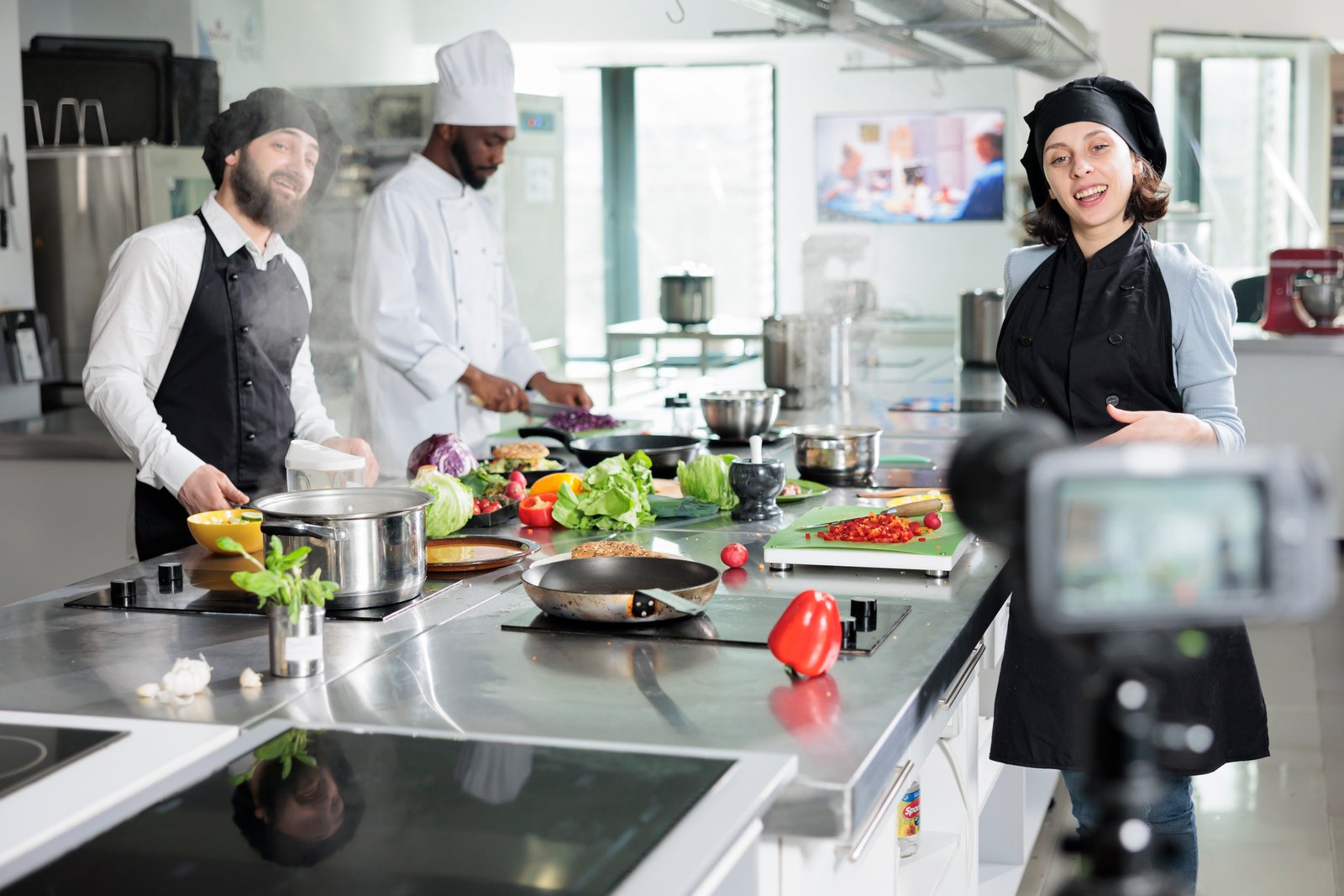
Running a successful restaurant isn't just about great food—it's about smart operations. The restaurant kitchen management system is the backbone that keeps your entire operation running smoothly.
Here's what's at stake: labor costs were 36.5% of sales for full-service restaurants in 2024, while the restaurant industry spends approximately $162 billion annually on food waste-related costs.
These numbers aren't just statistics. They're profit margins walking straight into the trash.
The solution? A comprehensive kitchen management system that streamlines operations, reduces costs, and boosts profitability all at once.
What Is a Restaurant Kitchen Management System?
A kitchen management system is specialized software designed to streamline and optimize every aspect of your restaurant's kitchen operations. Think of it as the digital brain that coordinates all your kitchen activities in one centralized platform.
These systems handle multiple critical functions simultaneously:
- Track incoming orders from various channels in real time
- Route orders to the correct kitchen stations automatically
- Monitor preparation times and alert staff to delays
- Manage inventory levels and alert when supplies run low
- Provide valuable insights into kitchen performance and efficiency
The beauty of modern kitchen management software is that it connects everything. Your POS system communicates with your kitchen displays, which interact with your inventory management system, feeding into your financial reporting.
Everything works together seamlessly, giving you complete visibility and control over your kitchen environment.
Why Kitchen Management Software Matters
Running a restaurant kitchen without proper software in today's world is like navigating a city without GPS. Sure, it's possible—but why make things harder than they need to be?
Kitchen management software directly impacts your bottom line:
Reduces Food Waste Dramatically
Precise inventory control helps you order exactly what you need and use everything you order. Many restaurants report 20-30% reductions in waste within the first few months.
Improves Order Accuracy
When orders flow directly from your POS to kitchen display screens with clear instructions, mistakes drop significantly. Fewer mistakes mean satisfied customers and less food in the trash.
Boosts Operational Efficiency
Your kitchen staff spends less time deciphering handwritten tickets or running back and forth asking questions. They focus on what they do best: preparing excellent food quickly and consistently.
Provides Actionable Data
Which menu items are most profitable? Where are you losing money? How efficient is each shift? These insights transform how you run your business.
Consider a mid-sized Italian restaurant in Chicago that implemented kitchen management software in early 2024. They reduced food waste by 28%, cut ticket times by 6 minutes during peak hours, and improved order accuracy from 87% to 96%—all within three months.
Traditional Methods vs. Kitchen Management Systems
Aspect | Traditional Method | Kitchen Management System |
|---|---|---|
Order Management | Handwritten tickets that can be lost or misread | Orders appear instantly on digital screens with perfect clarity |
Orders pile up during busy periods | Automatically prioritized and timed | |
Servers run to kitchen to check status | Everyone knows exactly what's being prepared | |
Communication | Shouting across the kitchen | Silent, clear communication through displays |
Constant interruptions | Updates flow automatically between systems | |
Information gets lost in the noise | Everyone has the information they need | |
Performance | End-of-day counting and guesswork | Real-time data on every aspect of operations |
Limited understanding of operations | Comprehensive analytics dashboard | |
Decisions based on gut feelings | Data-driven decisions that improve profitability |
Traditional methods keep you reactive, constantly putting out fires. Modern systems make you proactive, preventing fires before they start.
The efficiency gains, cost savings, and stress reduction mean most restaurants see ROI within months of implementation.
Essential Features of Kitchen Management Software
Choosing the right system can feel overwhelming. Here are the features that truly make a difference in day-to-day operations.
1. Kitchen Display System (KDS)
A kitchen display system is the centerpiece of modern kitchen operations. It replaces traditional paper tickets with bright, clear digital screens that show all incoming orders in real time.
Look for a KDS that offers:
- Color-coded order prioritization – Orders approaching their target prep time turn yellow, then red if running late
- Intelligent routing – Appetizers go to one screen, entrees to another, desserts to a third
- Bump functionality – Staff mark orders complete with a touch, automatically notifying servers
- Station-specific displays – Each station sees only their relevant orders without confusion
2. Cloud-Based Accessibility
A cloud-based system means you're not tied to a single location. Access your kitchen management software from anywhere with an internet connection—your office, home, or even while traveling.
The Software as a Service (SaaS) model delivers key benefits:
- Always have the latest features and security updates
- No manual installations or IT infrastructure to manage
- Vendor handles all technical maintenance and backups
- Perfect for multi-location restaurants needing centralized control
For chain restaurants, cloud systems provide centralized oversight while empowering individual managersto control their specific operations.
3. Seamless Integration Capabilities
Your kitchen management system needs to work seamlessly with your other restaurant technology. According to Toast's 2024 Restaurant Technology Report, restaurants using integrated technology stacks see 23% higher profitability than those using disconnected systems.
Critical integrations include:
POS Integration
Orders flow instantly from your cloud-based POS system to the kitchen without manual re-entry, eliminating errors and speeding service.
Accounting Software Integration
Financial data syncs automatically with your restaurant accounting software, giving accurate reports without extra work.
Online Ordering Integration
Your order management software brings together orders from your website, mobile app, and third-party platforms into one queue.
4. Multi-Channel Order Management
Modern restaurants receive orders through countless channels: dine-in, takeout, delivery, catering, online, phone, and third-party apps.
Your system needs to consolidate everything into a single view. Whether a customer orders through your app, website, or walks in, that order appears in the same queue with the same clarity and priority.
Order tracking provides transparency to both staff and customers:
- Servers check order status without interrupting kitchen workflow
- Customers see when their takeout will be ready
- Delivery tracking keeps customers informed in real time
5. Comprehensive Reporting and Analytics
Data without insights is useless. Your kitchen management system should transform raw data into actionable intelligence.
Essential reporting features include:
Sales Reports
Break down performance by time period, menu item, server, and day of week. Identify your star dishes and underperformers.
Performance Metrics
Track kitchen efficiency—how long each dish takes to prepare, which stations are bottlenecks, where mistakes happen.
Financial Reporting
Connect kitchen operations to business results. Track food costs, inventory values, waste, and margins in one place.
Key Benefits of Kitchen Management Software
The advantages extend far beyond simple digitization. These systems fundamentally transform how your restaurant operates.
Dramatic Cost Reduction
Kitchen management systems attack costs from multiple angles:
Food Waste Reduction – Track everything precisely to order exactly what you need and use everything you order. Typical savings: 20-30% reduction in waste.
Labor Optimization – Schedule staff based on actual demand patterns rather than guesswork. Reduce overtime and overstaffing.
Inventory Control – Real-time tracking prevents over-ordering and spoilage while ensuring you never run out of key ingredients.
The combined effect on profitability is substantial. Restaurants typically see 3-5% improvement in profit margins within the first year.
Enhanced Customer Experience
Customer satisfaction improves across multiple dimensions when your kitchen operates more efficiently.
Faster Service
The system optimizes order sequencing and station workflow to maximize throughput. Customers notice when their food arrives promptly.
Better Accuracy
When orders appear clearly on digital displays instead of handwritten tickets, mistakes plummet. Customers get exactly what they ordered.
Consistent Quality
Standardized recipes and prep instructions ensure every dish meets your quality standards, regardless of who's cooking.
Data-Driven Decision Making
Every aspect of your kitchen generates data that informs better choices:
- Know precisely which items are profitable and popular
- Remove underperformers confidently based on actual data
- Adjust prices scientifically when ingredient costs change
- Identify efficiency opportunities that would otherwise remain hidden
Scalability for Growth
As your restaurant grows—whether adding locations, expanding services, or increasing volume—proper systems scale with you.
Multi-location restaurants benefit from:
- Centralized systems providing consistency across locations
- Corporate oversight with local management flexibility
- Easy replication of successful processes
From ghost kitchens to food trucks to brick-and-mortar locations, modern kitchen management systems adapt to various business models.
Choosing the Right Kitchen Management System
Selecting the right system requires careful evaluation of both your current needs and future plans.
Assess Your Specific Needs
Start by honestly evaluating your current pain points. What's causing the most frustration or costing the most money? Focus on systems that address your specific problems.
Consider your restaurant type. A quick-service restaurant has different needs than fine dining or a catering operation. Ensure the system is designed for your specific business model.
Evaluate Integration Capabilities
Your kitchen management system needs to work seamlessly with your existing technology stack. Ask specifically about API integration options.
Key questions to ask vendors:
- Can the system connect with our current POS and accounting software?
- Are there pre-built integrations or is custom development required?
- What does custom integration cost?
- How do orders from third-party platforms flow into the system?
Prioritize Ease of Use
The best system in the world is worthless if your staff won't use it. Request demonstrations with actual staff members who will use the system daily.
Look for intuitive interfaces that require minimal training. Your cooks, managers, and servers should feel comfortable within hours, not weeks.
Check Vendor Support and Reliability
Your kitchen management system is mission-critical. If it goes down, your restaurant can't operate.
Essential support features include:
- 24/7 technical support – Issues don't only happen during business hours
- Quick response times – How fast do they address critical problems?
- Multiple support channels – Phone, email, chat, and online resources
- Uptime guarantees – What happens if there's an outage? Is there offline mode?
Transform Your Kitchen Operations Today
The restaurant industry is evolving rapidly, and staying competitive requires embracing modern technology. A restaurant kitchen management system isn't just a nice-to-have anymore—it's becoming essential for efficient operations and profitability.
The right system transforms your kitchen from a source of constant stress into a well-oiled machine that operates smoothly even during the busiest rush periods.
Whether you're running a single location looking to improve workflow or managing multiple restaurants needing centralized control, CherryBerry RMS offers a kitchen management solution designed for your specific needs.
Our cloud-based system integrates seamlessly with POS, back-office, and other technological infrastructure, providing the powerful features you need to succeed.
Ready to revolutionize your kitchen operations? Contact us today to learn how we can transform your restaurant!
Frequently Asked Questions
What is a kitchen display system?
A Kitchen Display System (KDS) is a digital screen system used in restaurant kitchens to display food orders electronically instead of using printed tickets. Orders flow directly from the POS system to screens placed in kitchen stations, organizing them by priority, timing, and station assignment.
How much does a kitchen management system cost?
Costs vary based on restaurant size, features needed, and integration complexity. Most cloud-based systems use subscription pricing ranging from $50-$300 per month per location. Hardware costs (tablets, screens, bump bars) typically add $500-$2,000 per station. Many vendors offer flexible pricing that scales with your business.
How much can restaurants save with kitchen management software?
Restaurants typically save substantial amounts through reduced food waste (20-30%), improved labor efficiency (15-25%), and better inventory management. Most operations see 3-5% improvement in profit margins within the first year, with many achieving positive ROI within 3-6 months of implementation.
Do kitchen management systems work for small restaurants?
Absolutely. Modern cloud-based systems offer flexible pricing and scalable features perfect for small operations. You can start with basic functionality and add features as you grow. Small restaurants often see faster ROI because they're typically managing everything manually, so the efficiency gains are dramatic.
Why is a KDS important for restaurants?
A KDS streamlines kitchen operations by displaying orders digitally in real time, reducing reliance on paper tickets. It improves order accuracy, speeds up preparation times, enhances communication between front-of-house and kitchen staff, and provides valuable performance data. It's especially important for high-volume or multi-station restaurants.
How long does implementation take?
Implementation timelines vary based on restaurant size and complexity, but most systems can be operational within 1-4 weeks. This includes hardware installation, software configuration, staff training, and integration with existing systems. Cloud-based solutions typically have faster deployment times than on-premise systems.
Can kitchen management software integrate with delivery platforms?
Yes, modern kitchen management systems integrate with popular third-party delivery platforms like DoorDash, Uber Eats, and Grubhub. This integration consolidates all orders into a single queue on your KDS, eliminating the need to juggle multiple tablets and reducing order management complexity.
Is staff training difficult?
No, most modern systems are designed with user-friendly interfaces requiring minimal training. Staff typically need only 1-2 hours of hands-on training to become comfortable with basic operations. The intuitive design, visual cues, and touch-screen interfaces make them easy to learn, even for staff who aren't particularly tech-savvy.