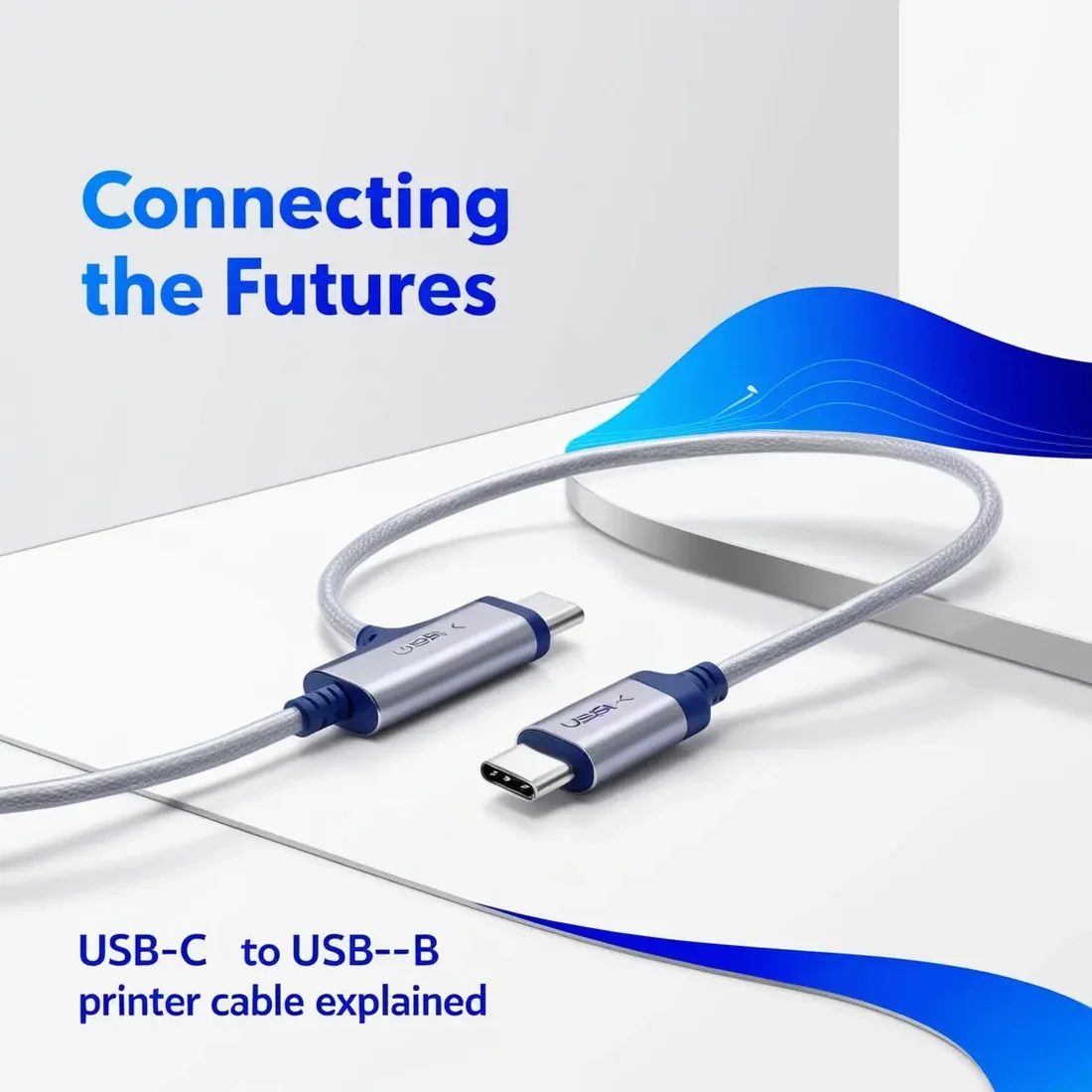
Introduction
As technology continues to evolve, the way we connect devices has changed significantly. USB (Universal Serial Bus) has become the universal standard for charging, data transfer, and peripheral connectivity. Among the different USB connector types, USB-C has rapidly emerged as the preferred choice for modern laptops, smartphones, tablets, and other electronic devices due to its compact, reversible design and high-speed performance.
However, many printers, scanners, and office devices still rely on the traditional USB-B interface. This creates a compatibility gap for users with newer USB-C laptops that no longer include USB-A ports. A USB-C to USB-B printer cable bridges this gap, allowing modern devices to connect seamlessly with legacy printers. In this guide, we'll explain how these cables work, why they're important, and how to choose the right one for your setup.
Understanding USB Connectors
Before choosing a USB-C to USB-B printer cable, it's important to understand the different USB connector types and their uses.
USB-A
USB-A is the traditional rectangular connector commonly found on desktop computers, older laptops, charging adapters, and USB hubs. It is widely used for connecting peripherals such as keyboards, mice, flash drives, and printers.
USB-B
USB-B is a square-shaped connector with beveled corners that is commonly used on printers, scanners, external hard drives, and other larger peripherals. Its design provides a secure connection for reliable data transmission.
USB-C
USB-C is the latest USB connector standard. It features a compact, reversible design, allowing users to plug it in from either side. USB-C supports faster charging, higher data transfer speeds, and video output, making it the preferred choice for today's laptops, tablets, and smartphones.
As USB-C becomes the industry standard, users increasingly need reliable solutions to connect modern devices with older USB-B peripherals, especially printers.
Why USB-C to USB-B Printer Cables Are Important
As modern computers continue to replace USB-A ports with USB-C, compatibility has become a major concern. A USB-C to USB-B printer cable provides a simple and effective solution by connecting new-generation devices with existing USB-B printers.
Wide Compatibility
Many users still own high-quality printers that use USB-B connections. Instead of replacing a perfectly functional printer, a USB-C to USB-B cable allows it to work seamlessly with newer laptops and computers equipped with USB-C ports.
Greater Convenience
Modern laptops are becoming thinner and lighter, often removing traditional USB-A ports altogether. A USB-C to USB-B cable eliminates the need for bulky adapters or docking stations, providing a direct and hassle-free connection.
Future-Proof Connectivity
With USB-C becoming the universal standard, investing in a USB-C to USB-B cable helps ensure your existing printers remain compatible with future devices.
High-Speed Data Transfer
USB-C supports significantly faster data transfer rates than older USB standards. While most printers don't require extremely high bandwidth, USB-C provides reliable, stable communication and improved compatibility for modern hardware.
How to Choose the Right USB-C to USB-B Printer Cable
Selecting the right cable ensures reliable printing performance and long-term durability.
Choose the Correct Cable Length
USB-C to USB-B printer cables are available in various lengths. Choose a cable that comfortably reaches your printer without unnecessary tension or excess cable clutter.
Build Quality
Look for cables made with premium materials, reinforced connectors, and durable insulation. Well-built cables last longer and provide more stable data transmission.
Data Transfer Support
If you frequently print large files or transfer data between devices, select a cable that supports USB 3.0 or higher for faster communication.
Trusted Brand
Buying from a reputable manufacturer ensures better quality, reliability, and warranty support. Reading customer reviews and checking product ratings can help you make a more informed decision.
How USB-C Technology Is Changing Connectivity
The adoption of USB-C goes beyond simply introducing a new connector. It represents a major advancement in device compatibility and user convenience.
Reduced Electronic Waste
Using USB-C to USB-B printer cables allows users to continue using existing printers instead of replacing them simply because of incompatible ports. This helps reduce unnecessary electronic waste.
Simplified Connectivity
As more devices adopt USB-C, users can rely on fewer cable types, reducing clutter and making device connectivity much simpler.
Support for Future Innovations
USB-C supports faster charging, higher data transfer speeds, and advanced display capabilities. Its versatility makes it the foundation for future connectivity standards.
Conclusion
A USB-C to USB-B printer cable is an essential accessory for anyone using a modern USB-C laptop with a traditional USB-B printer. It provides a simple, reliable, and cost-effective solution for maintaining compatibility between older peripherals and the latest devices.
Rather than replacing a perfectly functional printer, users can continue enjoying seamless printing with the right cable. By selecting a high-quality USB-C to USB-B cable from a trusted brand, you can ensure reliable performance, improved durability, and long-term compatibility as technology continues to evolve. Investing in the right cable today helps you stay connected while making the most of both your existing equipment and future devices.