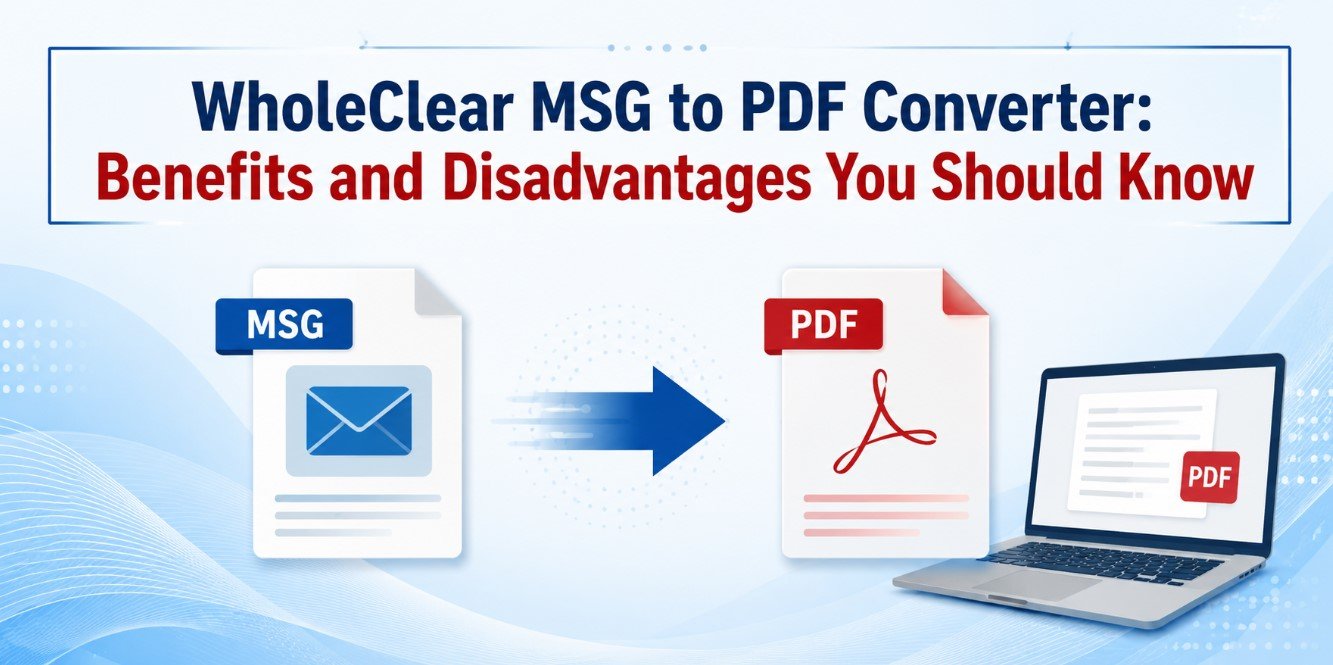
WholeClear MSG to PDF Converter: Benefits and Disadvantages You Should Know
By Millie Ryan 13-08-2026 105
Introduction
MSG files are typically used to save individual emails from Outlook with all message content, sender details, formatting and attachments. MSG, in contrast, is well integrated into the Outlook environment and less convenient for sharing, printing, reviewing, and long-term access. PDF, however, is a common document format that can be opened on different systems and is often used for documentation and archiving.
WholeClear MSG to PDF Converter is a tool for saving Outlook MSG email messages as PDF files with attachments. The software supports single MSG file conversion and multiple MSG files conversion. The software offers a Windows based interface for the users who want to perform the conversion without Outlook for the conversion process.
It is sensible to know the advantages and disadvantages of any conversion utility before deciding to use it. This blog highlights the main pros and cons of MSG to PDF Converter to help users decide if it fits their conversion needs.
Advantages of MSG to PDF Converter
1. Processes Multiple MSG Files Simultaneously
One of the biggest advantages is batch conversion. Users can select a folder containing multiple MSG files and process them at once instead of opening and converting each MSG email separately. It has a Folder mode to work with MSG files collections.
This can be particularly helpful for organizations, administrators, and professionals who have a substantial volume of saved Outlook emails and wish to convert them for documentation or archiving purposes.
2. Preserves Email Meta Data and Formatting
It may not be sufficient to simply keep the text of an email when converting it. Sender, recipient, Cc, Bcc Sent date Subject Hyperlinks Fonts and formatting Important details include:
It claims that it is able to retain these email elements and the structure of the MSG data during conversion with its MSG to PDF Converter. This can improve the usefulness of the resulting PDF for business documentation and records.
3. Handles Email-Attachments
Attachments can be an important part of an email record. Conversion loss can leave you with a document that isn’t complete.
it can convert MSG emails with attachments. The attachments will be exported in separate folder as mentioned on the product page. This means that once converted, users can access the files that are associated with it.
4. No Outlook Required for Conversion
Another advantage is that the software does not require Microsoft Outlook or Adobe software to be installed to perform the conversion. This can make it easier for users who have MSG files but don’t want to have to open and export each message using Outlook.
Then you can view the resulting pdf files with any PDF-compatible reading software.
5. User-friendly UI
The product is marketed as having an easy to use graphical user interface with no specialized technical know-how required. The basic workflow is to launch the application, add MSG files, select the output location and start conversion.
This simple process can be helpful for users who are not technically savvy with email migration tools.
6. Supports multiple versions of Outlook MSG
It states that the application supports MSG files created by different versions of Outlook including Outlook 2019, 2016, 2013, 2010, 2007, 2003 or older versions if the files are legitimate.
This may be helpful to users who are dealing with archived MSG files that span several years.
7. Available Trial Version
You can explore the software before you buy it. The demo version offers the same features and functionality of the licensed edition, but the vendor limits conversion to 25 mailbox items. The conversion limitation is noted and then removed in the licensed version.
With this trial option, users can try out the application using their own MSG files before deciding to buy.
Disadvantages of MSG to PDF Converter
1. Software for Windows
This is a Windows based application. The product page states that it supports Windows editions including Windows 10, Windows 8.1, Windows 8, Windows 7, XP, Vista and other versions.
This can be restrictive for users working primarily on macOS or Linux and may require access to a compatible Windows environment.
2. Limitations of the Demo Version
There is a trial version, but it is not unlimited. It claims the trial version converts 25 mailbox items; the licensed version allows unlimited conversions.
For users with hundreds or thousands of MSG files, you need to buy the licensed edition to test a full workload.
3. You need real source files
This software is designed to process valid MSG files. The vendor states that MSG files must be in a valid state to be converted successfully.
So, users who have badly damaged or corrupted MSG files should not expect a standard conversion utility to repair those files. If the source file is damaged or cannot be accessed, then a dedicated email repair solution might be more appropriate.
4. PDF Is an Output Format, Not a Mailbox Format
MSG to PDF Conversion is useful for sharing, printing, documentation & archiving. But, the PDF does not provide the same mailbox-management features as Outlook or any other email client.
A conversion format other than PDF may be required for users that need to import emails into another email platform or save them as editable mailbox items.
5. Attachments are separate
Exporting attachments is a plus, but users should be aware that the attachments are placed in a separate folder and are not necessarily part of the visual PDF document itself.
This may take more organization when users have a lot of emails and their attachments to deal with.
Conclusion
WholeClear MSG to PDF Converter is a useful tool for users who want to convert their Outlook MSG files into PDF files. The main advantages are batch conversion, preservation of metadata and formatting, processing of attachments, support for several versions of Outlook produced MSG, easy interface, conversion without the need to install Outlook.
But it also has its limitations. It is Windows based, the trial version is limited to 25 items, it requires valid source MSG files and the PDF conversion is not the same as mailbox migration. Users should therefore pick the tool based on their actual goal.
It is a convenient choice for users and organizations that need to convert MSG to PDF mainly for sharing, documentation, printing, or archiving. A practical way to tell if the software will meet your specific conversion needs before you buy is to try the demo out on some representative MSG files.