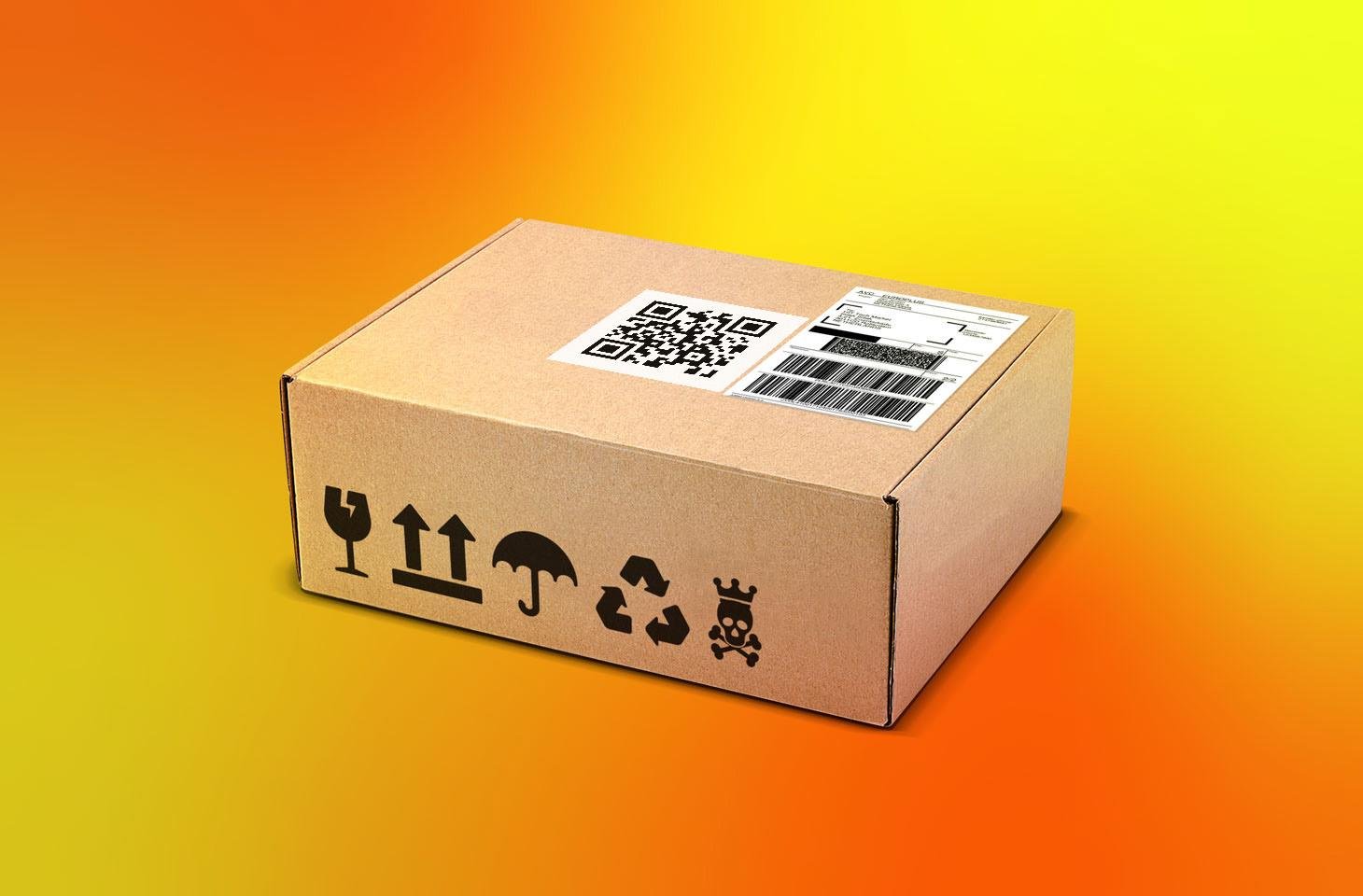
An unexpected parcel message creates a very specific kind of pressure. It usually arrives when you are busy, mentions a delivery you may have forgotten and asks you to take a quick action. Perhaps the address is incomplete. Perhaps a small fee is due. Perhaps the parcel will be returned unless you respond today.
That urgency is exactly why delivery messages are useful to scammers. People order from multiple retailers, marketplaces and overseas sellers, so an unfamiliar sender name does not immediately look suspicious. At the same time, legitimate logistics companies may use business names that the customer has never seen before.
The safest response is neither panic nor instant deletion. It is verification.
Why Sender Names Can Be Unfamiliar
Online orders often pass through several organisations before they reach the door. The retailer may use a fulfilment warehouse, consolidator, customs partner, software platform or final-mile courier. The name shown in a tracking update may therefore be different from the shop where the purchase was made.
This is why consumers sometimes search for what eTarget Limited means on a parcel alert or another unfamiliar company name. The appearance of a new name is not proof of fraud. It is a reason to check the chain carefully.
A legitimate message should connect to something verifiable: an order in your account, a tracking number issued by a known retailer or a delivery status visible through the courier's official website.
Pause Before Tapping
The first protective step is surprisingly simple: do not tap the link immediately.
A scam message is designed to move the reader from uncertainty to action before there is time to think. Pausing breaks that pattern. Take a screenshot if needed, then examine the message without opening anything.
Look for:
- The exact sender name or phone number
- The wording of the request
- Any tracking number
- The amount of money requested
- The deadline or threat
- The web address shown in the link preview
- Spelling, grammar and formatting
Poor grammar can be a warning sign, but polished language does not prove legitimacy. Modern scam messages may look professional and may copy a courier's branding closely.
Check Your Recent Orders Independently
Open the retailer's app or type its official web address yourself. Do not use the message link to reach the account.
Review recent orders, including marketplaces where several sellers may use different couriers. Check whether any delivery is expected, delayed or coming from overseas. Ask other members of the household whether they placed an order using your phone number.
If the message includes a tracking number, compare it with the number in your order history. A real tracking number should usually work when entered directly on the courier's official tracking page.
No matching order does not automatically prove a scam. Gifts, replacement items and delayed shipments can be unexpected. However, the absence of a matching order raises the level of caution.
Inspect the Web Address Carefully
Fraudulent delivery pages often use addresses that resemble a trusted company. The scammer may add a familiar word to an unrelated domain or replace a letter with a similar character.
For example, a fake address may include a courier name before the real domain, after a hyphen or inside a long string of text. The important part is the registered domain immediately before the first slash.
On a phone, press and hold the link to preview it without opening. On a computer, hover over the link. Do not rely only on the visible text because the displayed words and actual destination can be different.
Be suspicious of:
- Misspelled brand names
- Unusual domain endings
- Shortened links that hide the destination
- Long addresses filled with random characters
- Pages that do not use secure connections
- A domain that has no clear relationship to the courier
When in doubt, leave the message and navigate to the company independently.
Be Wary of Small "Redelivery" Fees
A request for a tiny payment can feel harmless. That is part of the strategy.
The scammer may ask for a small redelivery or customs fee, but the real goal can be to collect card details, billing information, passwords or security codes. Once the information is entered, it may be used for larger unauthorised transactions or identity fraud.
Before paying anything, verify the charge through the retailer or courier's official support channel. Check whether the courier normally collects that type of fee and whether the amount appears in the official tracking record.
Never approve a banking notification or share a one-time security code because a delivery page asks for it. Legitimate customer service staff should not need the code used to authorise a card payment or account login.
Understand What Information a Real Courier Needs
A legitimate delivery process may require an address correction, safe-place instruction or date selection. It should not demand excessive personal information.
A delivery company generally does not need:
- Your online banking password
- A card PIN
- A full set of identity documents through a random text link
- Access to your email account
- A remote-access app on your phone or computer
- A security code sent by your bank for an unrelated action
If the request feels broader than the delivery problem, stop.
Scammers sometimes move the conversation from text to phone. A caller may claim that the payment failed and offer to "help" by guiding the victim through banking steps. End the call and contact the organisation using a number obtained from its official website.
Search the Name, but Judge the Results Carefully
Searching an unfamiliar sender can provide context, but search results are not all equally reliable. Look for official company records, established retailer information, courier support pages and detailed consumer explainers.
A single forum comment saying "scam" is not proof. A glossy website saying "trusted partner" is not proof either. Compare several sources and focus on specific evidence.
General information sites such as TrendingStage may publish explainers about unfamiliar names and online trends, but the final verification should still come from the order record, retailer or courier.
The aim is to connect the message to a real transaction, not merely to find someone online who has seen the same words.
What to Do If You Already Opened the Link
Opening a page does not always mean your information has been stolen. The next steps depend on what happened.
You opened the page but entered nothing
Close it. Do not download files or allow notifications. Update your browser and phone if updates are available. Consider clearing the browser data for the page.
You entered a password
Change that password immediately on the real website. If the password was reused elsewhere, change it there too. Enable multi-factor authentication where possible.
You entered card details
Contact the card provider using the number on the back of the card or its official app. Explain that the details may have been entered on a fraudulent delivery page. Follow the provider's instructions about freezing or replacing the card.
You approved a payment or shared a security code
Contact the bank immediately. Speed matters. State clearly that the transaction may be fraudulent.
You installed an app or gave remote access
Disconnect the device from the internet and seek trusted technical help. Contact financial providers from a different device if banking information may have been exposed.
Report the Message
Reporting helps providers block malicious numbers and websites. The exact reporting route depends on the country and service, but consumers can generally:
- Use the phone's "report junk" option
- Forward the message to the mobile provider's scam-reporting service
- Report the page to the impersonated courier
- Notify the retailer if an order was involved
- Report financial loss to the bank and relevant fraud authority
Keep screenshots, transaction details and the web address. These may help with an investigation or reimbursement claim.
Build a Simple Verification Habit
The best protection is a repeatable routine:
1. Pause.
2. Check recent orders independently.
3. Find the official courier site yourself.
4. Compare the tracking number.
5. Verify any charge through an official channel.
6. Never share banking security codes.
7. Report suspicious messages.
This routine works even when the message uses a name you recognise.
A Safer Way to Handle Parcel Messages
Unexpected delivery messages sit in a grey area because modern logistics is genuinely complicated. An unfamiliar sender may be part of a real supply chain, or it may be a scammer borrowing the language of delivery.
The difference cannot be decided by appearance alone. It is decided by independent evidence.
A real parcel should connect to a real order, a valid tracking record and an official support channel. A scam depends on urgency, confusion and the hope that you will act before checking.
Take the extra minute. In parcel verification, a small pause can prevent a much larger problem.
Tags : Parcel Texts