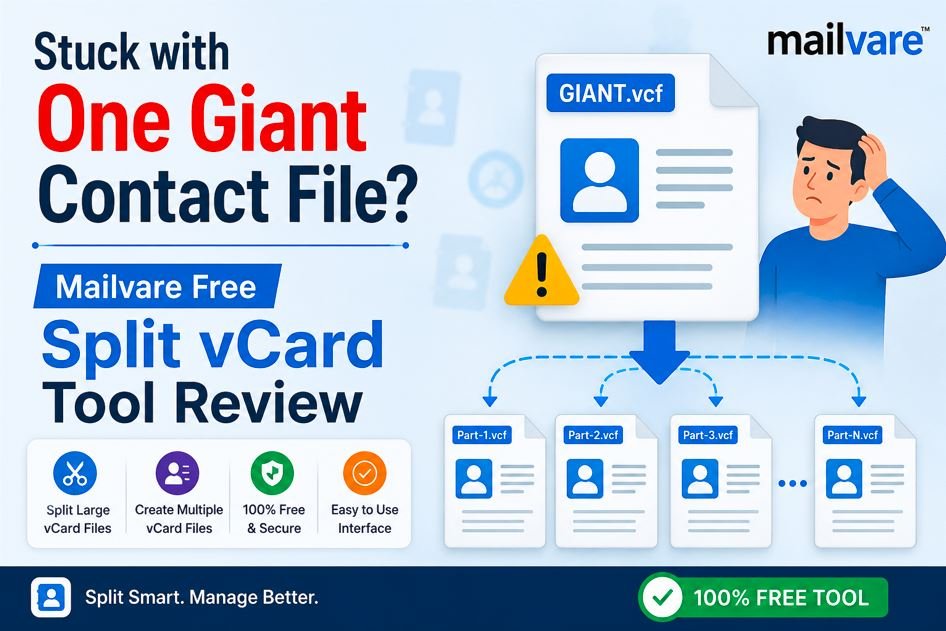
Stuck with One Giant Contact File? Mailvare Free Split vCard Tool Review
By Amelia Sloan 19-06-2026 216
Introduction
While your digital contact list should be easy to manage, anyone who has tried it knows that transferring thousands of contacts between platforms can quickly become a headache. If you’ve exported your contacts from an old phone or email account, chances are good that you’ve ended up with one giant .vcf (vCard) file containing hundreds or thousands of people.
When you try to import that big file to a new device or software it often throws up errors or only transfers part of the file. That’s where a specialized utility like Mailvare Free Split vCard Tool comes to help. This free software allows you to quickly split large contact files into small, individual entries, providing a hassle-free solution to format incompatibilities.
Why Should You Split vCard Files?
Before we get into the features of Mailvare, it helps to understand why a vCard splitter is required in the first place. vCard file is the universal electronic business card standard. Platforms deal with them differently, completely differently.
1. Surpassing Platform Limits
Many email clients, CRM (Customer Relationship Management) platforms and older smartphone operating systems are programmed to read only one contact per .vcf file. The application you're attempting to upload the combined master file of 5000 contacts into is usually only going to import the very first contact listed and ignore the rest, if it expects a single electronic business card. Splitting the master file guarantees each contact is recognized.
2. Simple Sharing & Organization
Suppose you want to email one contact card for a colleague to a client. If all your contacts are in one large backup file, you can’t easily isolate the information for one person. By breaking your master list into individual vCards, you can quickly pick out the person you need and attach their file to an email or message in seconds.
3. Preventing Data Corruption and Risks of Crashing
As file size increases, the risk of corruption also rises. One line of text can corrupt a master file of 20,000 contacts, rendering the entire file unreadable and risking total data loss. Smaller databases are safer, and they prevent your contact management software from freezing or crashing when you attempt to import a massive database.
Main Features of Split vCard Software
There are several important reasons why Mailvare’s utility is unique in the crowded market of data management utilities:
• Two Export Options: Basic tools only allow you to split a vCard into smaller vCards but Mailvare provides the option to save your split files as regular .vcf files or convert them directly to Outlook-friendly .msg files.
• Complete Data Integrity – The biggest worry with free data tools is losing important information. Mailvare doesn't change any contact fields at all. Full first name and last name. Email address. Phone number. Addresses. Even profile images are intact.
• Comprehensive VCF Support: The tool is fully compatible with all major vCard versions, including vCard 2.1, 3.0, and 4.0.
• No File Size Limits: Whether your file is a few megabytes or a huge multi-gigabyte database with tens of thousands of contacts, the tool takes it without any arbitrary limits or paid upgrade requests.
Performance & UX
Using Mailvare Free Split vCard Tool is really very easy. It features a clean, old-school wizard interface that leaves no room for confusion. Designed as an independent tool, it performs all tasks on its own without requiring Outlook or any additional applications.
1. Loading the Master File:
Open the application and press the Browse button to select the big master vCard file on your computer.
2. Pick Destination:
Select a destination folder on your local drive where you would like the software to save the newly separated files.
3. Choose Output Format:
From the Export Options section, choose your desired output format—either VCF or MSG.
4. Start the Splitter:
Press the Start Generating Now button. The software zips through the data and when it’s done, it presents you with a neat list of your own personal contact files.
In testing, the processing speeds were impressively fast. A file with thousands of contacts was broken down into clean, distinct files in a matter of moments. The application runs smoothly on almost any desktop setup, and is fully compatible with Windows 10, 8, 7 and even older legacy systems like XP and Vista.
Advantages and disadvantages
Like all utility software, Mailvare has its own advantages and slight drawbacks:
The pros:
• Enjoy full functionality for free, with no watermarks and no hidden expenses.
• Very easy for the beginner.
• Option to export directly to Outlook.msg files save lots of time for corporate users.
• It keeps the attachment data and profile photos beautifully.
Cons:
• At this time, the software is limited to Windows platforms and is not natively available for macOS or Linux.
Final judgment
The Mailvare Free Split vCard Tool does exactly what it promises to do and nothing more. If you’re a Windows user who’s drowning in an uncooperative, oversized contact file, this free program is a great safe and very efficient way to get your address book back in order.
Product Rating 4.5 out of 5 Stars