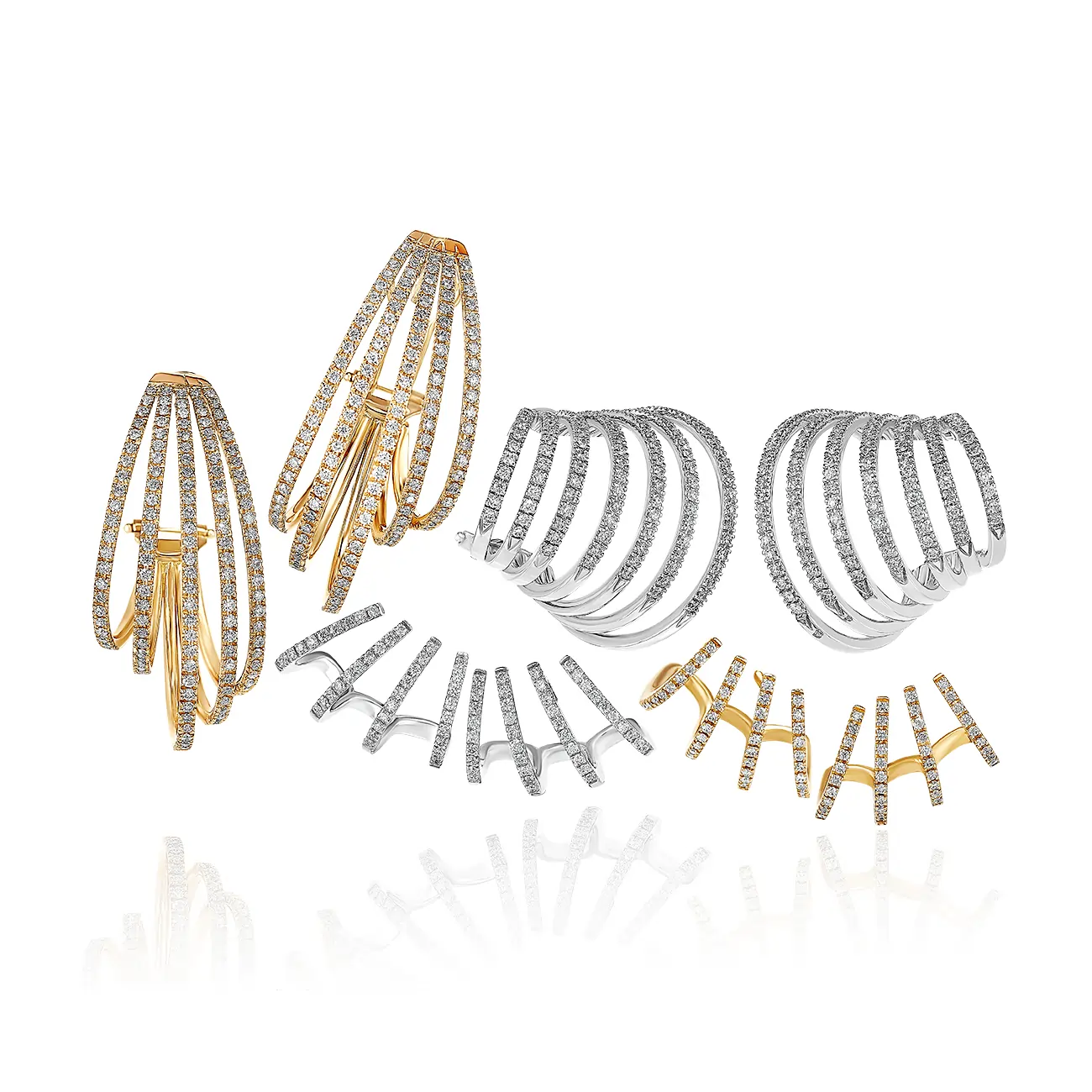
In the online jewelry business, visuals are everything — but high-resolution images can often slow down your website. And when your site takes too long to load, potential customers click away before even seeing your stunning designs. That’s why image optimization is crucial for jewelry sellers who want both beauty and speed.
Here’s how to optimize your jewelry images for faster website performance without compromising on quality.
💍 Why Image Optimization Matters for Jewelry Websites
Your jewelry images are the heart of your eCommerce store. They show sparkle, craftsmanship, and quality — but heavy image files can:
Slow down page loading speed
Reduce search engine ranking
Increase bounce rates
Lower sales conversions
In fact, research shows that a 1-second delay in page load time can reduce conversions by up to 7%. For jewelry brands, that could mean losing valuable customers.
⚙️ 1. Choose the Right Image Format
Selecting the correct file format helps balance quality and size.
JPEG: Best for detailed jewelry photos with rich color and texture.
PNG: Great for transparent backgrounds or logos.
WebP: A modern format offering superior compression without visible quality loss — ideal for eCommerce.
Use JPEG for product galleries and WebP for main listings to reduce overall file size.
🪞 2. Resize Images Without Losing Quality
Jewelry images don’t need to be enormous to look stunning. Resize them to match your website’s layout and display size.
For example:
Shopify product images: 2048 × 2048 px
Amazon jewelry listings: 1000 px on the longest side
Proper resizing ensures faster loading while maintaining crisp clarity.
✨ 3. Compress Images Efficiently
Compression reduces file size while keeping image quality intact. Tools like TinyPNG, ShortPixel, or Adobe Photoshop’s “Save for Web” feature can help minimize file size without losing sparkle or detail.
Aim for file sizes under 300 KB per image where possible.
🧠 4. Use Alt Text for SEO
Optimized alt text not only helps with accessibility but also boosts your SEO rankings.
Example: Instead of “IMG_1234.jpg,” use:
“18K gold diamond engagement ring with solitaire setting”
Alt text tells search engines exactly what your image represents — helping your jewelry appear in Google Image Search results.
💫 5. Implement Lazy Loading
Lazy loading ensures images load only when the viewer scrolls to them, reducing initial load time and improving site performance. Most modern eCommerce platforms and plugins (like Shopify and WordPress) support lazy loading by default.
💻 6. Keep a Consistent Background and Style
Consistent backgrounds not only improve brand presentation but also simplify optimization. White or neutral backgrounds compress more efficiently, leading to smaller file sizes and a cleaner, faster website look.
🚀 7. Test and Monitor Website Speed
Regularly test your jewelry site’s performance using tools like Google PageSpeed Insights or GTmetrix. These tools pinpoint slow-loading images and offer actionable suggestions for improvement.
💡 Final Thoughts
Jewelry image optimization is the perfect blend of art and technology — keeping your visuals beautiful while ensuring your website performs flawlessly. A fast-loading site enhances user experience, strengthens SEO, and keeps shoppers engaged long enough to make a purchase.
If you want your jewelry photos to shine online without slowing your store down, Perfect Retouching can help. From professional photo editing to smart optimization, we ensure your images look brilliant and load fast — every time
Tags : jewelry images