How to Program Toyota 8A-BA 2022+ Proximity Keys with OBDSTAR X300 DP Plus
By Mason Creed 05-08-2026 20
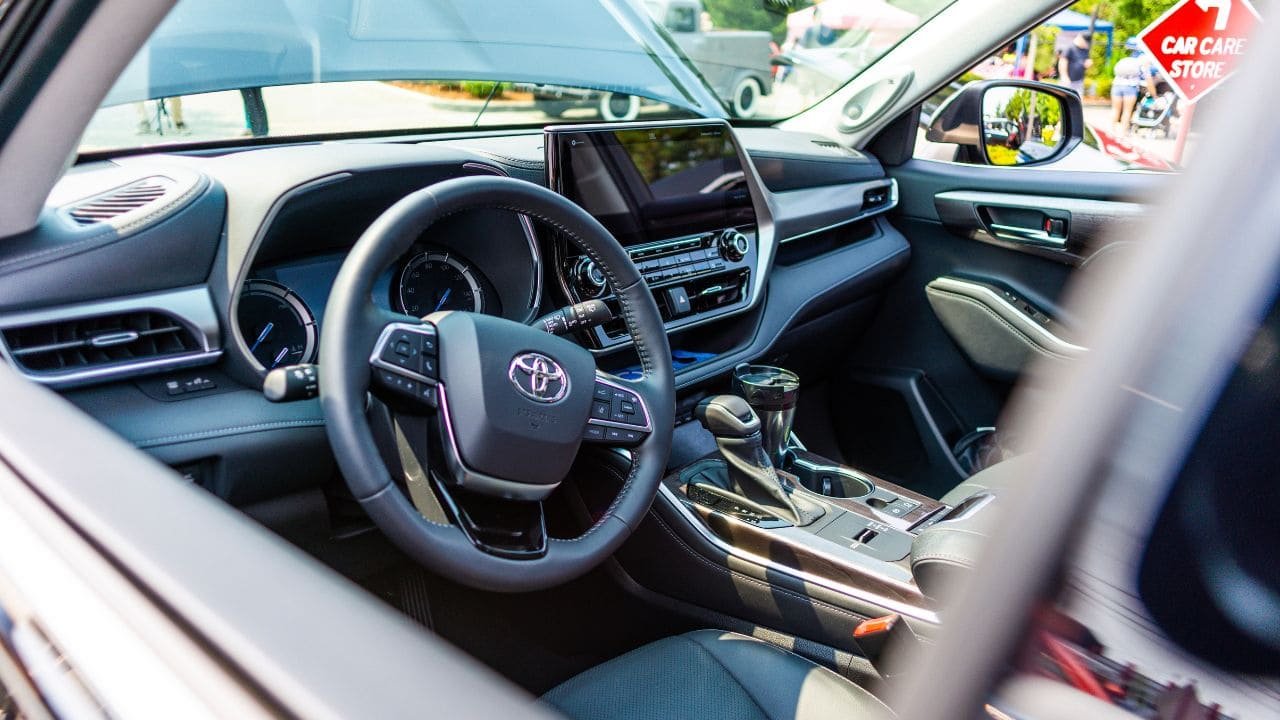
Modern Toyota vehicles equipped with 8A-BA proximity key systems present a unique challenge for automotive locksmiths and workshop technicians. The good news is that the OBDSTAR X300 DP Plus (also known as Key Master DP Plus) now offers a streamlined solution for programming 2022 and newer Toyota models featuring this advanced immobilizer system. This guide walks you through the entire process, from the required firmware update to the final key programming steps.
Modern Toyota vehicles equipped with 8A-BA proximity key systems present a unique challenge for automotive locksmiths and workshop technicians. The good news is that the OBDSTAR X300 DP Plus (also known as Key Master DP Plus) now offers a streamlined solution for programming 2022 and newer Toyota models featuring this advanced immobilizer system. This guide walks you through the entire process, from the required firmware update to the final key programming steps.
OBDSTAR X300 DP Plus: The Game-Changing Update for Toyota 8A-BA
In August 2023, OBDSTAR released a pivotal firmware update (Toyota software version V32.83 onwards) that added comprehensive support for the 8A-BA chip type for 2022+ Toyota proximity key systems. This update allows the X300 DP Plus to read immobilizer data, generate a simulated key, and program new proximity keys—all without the need for a PIN code in most cases. This is a major breakthrough for professionals who previously had to rely on expensive dealership tools or complex PIN code retrieval methods.
Which Toyota Models Are Supported?
The 8A-BA update covers a growing list of 2022 and newer Toyota and Lexus models. Supported vehicles include:
- Toyota BZ4X (2022+)
- Toyota Granvia HV (2022+)
- Toyota Sienna HV (2022+)
- Toyota Harrier / Harrier HV (2022+)
- Toyota RAV4 PHV (2022+)
- Toyota Venza HV (2022+)
- Toyota Wildlander PHV (2022+)
- Lexus NX350 / NX450H+ (2023+)
- Lexus RX350 / RZ450 (2023+)
For models not listed, always check the latest OBDSTAR software compatibility list before starting.
What You Need Before You Start
To successfully program a Toyota 8A-BA proximity key using the OBDSTAR X300 DP Plus, you will need the following equipment:
- OBDSTAR X300 DP Plus (Key Master DP Plus) with the latest firmware (V32.83 or higher)
- OBDSTAR Toyota-30 Cable – This specialized 30-pin connector links the vehicle's smart key box to the OBD interface
- OBDSTAR Key SIM 5-in-1 Simulator – Essential for all-keys-lost (AKL) scenarios to emulate a working key
- A stable internet connection for the X300 DP Plus to communicate with OBDSTAR servers
- A blank OEM or aftermarket proximity key compatible with the vehicle
Step-by-Step Guide: Programming Toyota 8A-BA Proximity Keys
The programming process consists of two main phases: reading the immobilizer data and generating a simulated key. Below is a detailed walkthrough using a 2022 Toyota Granvia HV as an example.
Step 1: Connect the Hardware
Use the Toyota-30 Cable to connect the vehicle's proximity key module and OBD interface to the X300 DP Plus. Ensure the tablet is powered on and connected to the internet.
Step 2: Read Immobilizer (IMMO) Data
Navigate through the X300 DP Plus menu as follows:
- Tap "DP" on the main menu
- Select CAR IMMO → All → TOYOTA LEXUS SCION
- Choose the latest software version (e.g., V32.83)
- Go to Manual Select Model → TOYOTA → ASIA → [Your Model] → PROXIMITY → 2022-
- Select "Read Immo Data"
- Turn off the ignition switch and cycle the double flash on-off once as prompted
- Save the IMMO data file once reading is complete
Step 3: Make a Simulated Key (Key SIM)
This step is critical for all-keys-lost situations:
- From the same menu, select "Make Simulated Card (Key SIM)"
- Confirm that you have already read the IMMO data (if not, return to Step 2)
- Select the IMMO data file you just saved
- Connect the OBDSTAR Key SIM Simulator to the X300 DP Plus
- Follow the on-screen instructions to generate the simulated key
- Once successful, move the simulated key close to the vehicle's start button
- Try to light up the instrument panel – if it powers on normally, the simulation is successful
Step 4: Add the New Smart Key
With the simulated key acting as a working key, you can now proceed to program the new proximity key:
- Select "Add Smart Key" from the menu
- Use the simulated key (or the original key if available) to authenticate
- Place the new blank proximity key near the start button as instructed
- Wait for the X300 DP Plus to complete the programming sequence
- Test all keys to ensure they function correctly
Important Notes for Technicians
- Simulated Key Limitations: The Key SIM needs to be kept charged and must be regenerated after power loss. It is a temporary tool for the programming process, not a permanent replacement key.
- No PIN Required (Most Cases): For 8A-BA systems, the X300 DP Plus can bypass the PIN code requirement in many scenarios. However, some models may still require a security code obtained from a third-party provider.
- Internet Connection is Mandatory: The IMMO data reading and key simulation functions require server communication.
- Up to 6 Keys: The system supports programming up to 6 keys per vehicle.
- 4A Proximity Keys Also Supported: The same tool and cable setup can also program 2022+ Toyota 4A proximity key systems.
Why Choose OBDSTAR X300 DP Plus for Toyota Key Programming?
The OBDSTAR X300 DP Plus has become the go-to solution for many professionals due to its versatility and cost-effectiveness. It eliminates the need for expensive dealership visits and provides a user-friendly interface for complex immobilizer tasks. The addition of 8A-BA support further cements its position as a leading tool in the automotive aftermarket.
Final Thoughts
Programming 2022+ Toyota 8A-BA proximity keys no longer needs to be a daunting task. With the OBDSTAR X300 DP Plus, the right cables, and the Key SIM simulator, you can efficiently handle key additions and all-keys-lost situations. Always ensure your device is updated to the latest software version and follow the on-screen prompts carefully. This powerful combination saves time, reduces costs, and expands the services you can offer to your customers.
Tags : .....