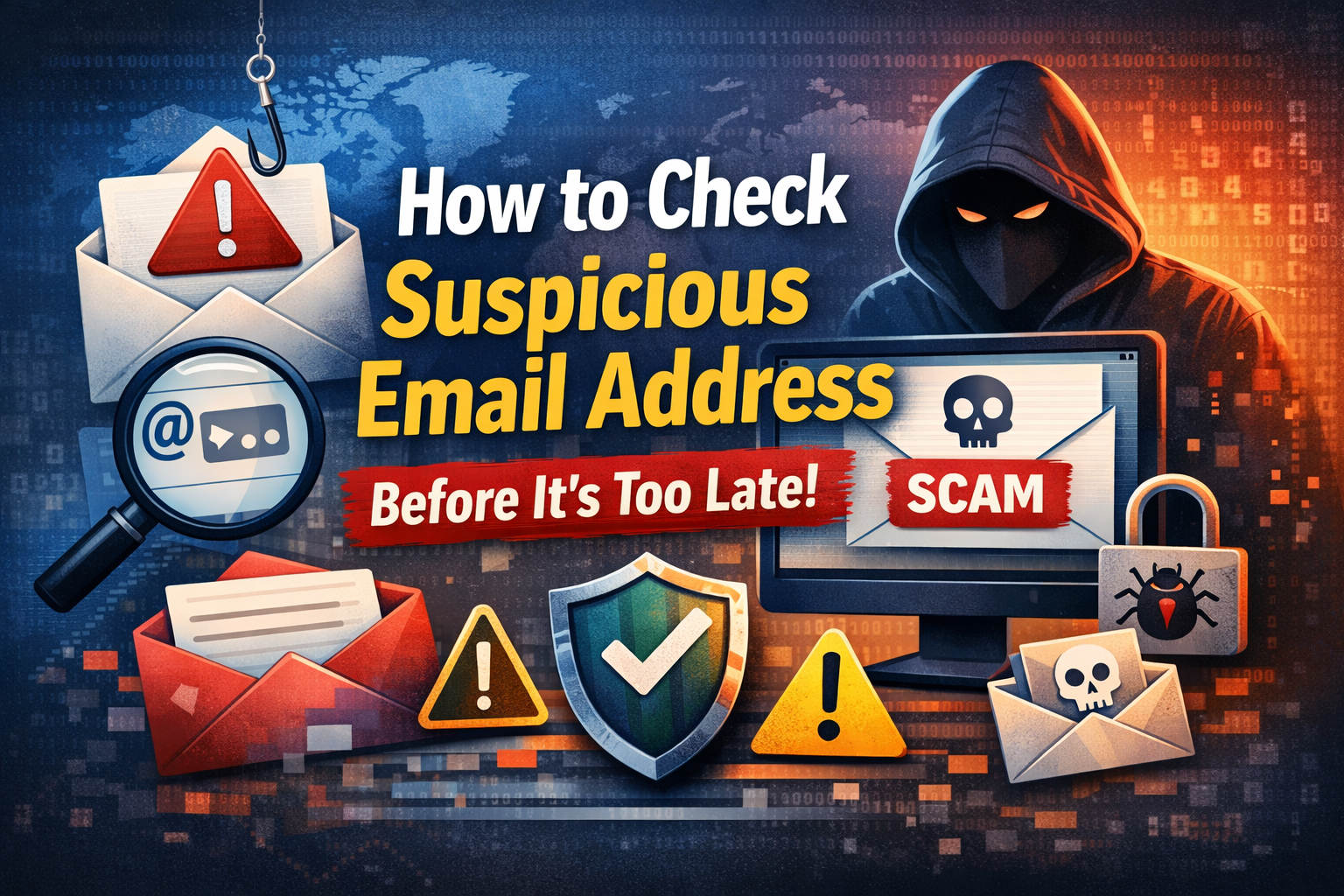
Have you ever gotten an email that just didn’t feel right or look suspicious? Also, they claimed to be from any delview company, maybe a bank, or even by your company. But something in that look is off. Several people also received these unknown or suspicious emails, which results to phishing scams or cyber attacks.
In this article, we will discover how to check suspicious email address using 7 proven steps to protect yourself from these online attacks. But first its important to understand suspicious emails.
What is a Suspicious Email Address?
This suspicious email looks that have been came form a reputable source, but in real it’s actually fake or a clone of a real one. All online attackers, also known as cybercriminals uses similar types of email addresses to fool you into transferring your personal details, tapping on malicious links, or downloading some harmful files.
For eg, an email id “suppport@amaz0n.com” might appear to be real at first sight, but instead of “o”, there is 0, which is completely suspicious.
Some Warning Signs of a Suspicious Email Address
1) Examine the sender’s email address carefully
The first step is to carefully and closely look at the sender's email address and not at the display name. These scammers usually used theri usernames such as “PayPal Support”, while their original email address is something related to “help@somedomain.com”. One should always check the name by clicking the sender’s name and also other characters or an incorrect domain.
2) How to Check Suspicious Email Address Using Advanced Tool
If you're one of those who don’t want to waste time checking this manually, then we recommend using a certified solution, which is SysTools Email Address Verification Tool.
3) Analyze the Email Header
Every email contains a hidden section called the "email header" that reveals its true origin. To access it, open the email and look for the option to view the original or raw message. In Gmail, click the three dots and select "Show original." The header will show you the actual sending server, the IP address, and whether the email passed security checks like SPF and DKIM. If the sending server doesn't match the claimed domain, it's a major red flag.
4) Search the Email Address on Google
One of the quickest ways to check a suspicious email address is to search it on Google. Copy the email address, paste it into Google with quotation marks around it, and hit search. If other people have reported it as a scam or phishing attempt, you'll likely find forum posts, complaint boards, or cybersecurity warnings in the results.
5) Run It Through a Blacklist Checker
Blacklist checkers like Spamhaus and MXToolbox Blacklist maintain databases of known spam and malicious email addresses. You can enter the email address or its domain into these tools to check whether it has been flagged for harmful activity. If it appears on a blacklist, treat it as dangerous and avoid engaging with it entirely.
6) Verify the Domain with a WHOIS Lookup
If you're unsure about the domain in the email address, use a WHOIS lookup tool such as whois.domaintools.com. This will show you who registered the domain, when it was created, and where it is based. A brand-new domain registered just days ago, claiming to be from a well-known company,y is a clear sign of a scam.
7) Use a Phishing Detection Tool
Tools like VirusTotal, PhishTank, and Google Safe Browsing allow you to check whether a website or email source has been linked to phishing activity. If the email contains a link, you can paste it into these tools before clicking to see if it has been flagged as dangerous. This extra step can save you from a serious security breach.
What to Do After Identifying a Suspicious Email
If you've confirmed that an email is suspicious, do not click any links or download any attachments. Report the email as phishing through your email provider, block the sender, and delete the message immediately. If you're using a work email, inform your IT team right away. And if you've already clicked a link, change your passwords immediately and run a full antivirus scan on your device.
How to Stay Protected Going Forward
Staying safe from suspicious emails requires ongoing awareness. Enable your email provider's spam filter, use two-factor authentication on all important accounts, keep your antivirus software updated, and take time to educate yourself on the latest phishing tactics. A few minutes of caution can save you from hours of damage control.
Conclusion
In this article, we have discussed how to check suspicious email address using 7 of the best steps. We also mentioned using automated software to check whether an email ID is suspicious or not, with other factors. Additionally, we have provided some preventive tips to ensure your safety from these online threats and cyberattackers.