GainTools Address Book Manager Review: A Practical Solution for Merging and Managing vCard Files
By Claire Dunphy 12-06-2026 39
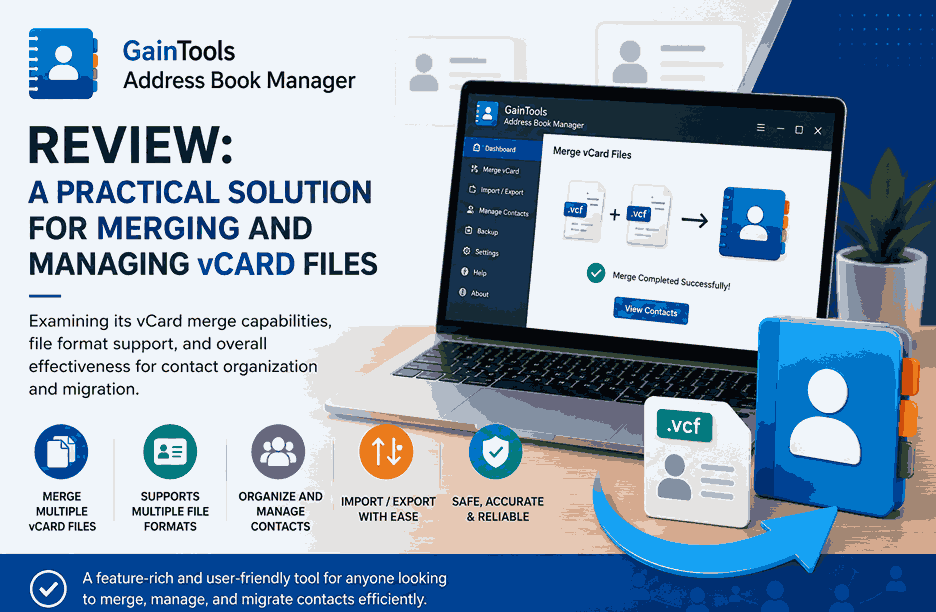
When contact files start to get out of hand
Often contact details are spread across different machines, email clients, cloud services, and backup files. This can create dozens or even hundreds of individual VCF files that become difficult to organize and manage over time. You can consolidate manually, but for large contact collections that’s rarely efficient.
Address Book Manager is a desktop tool designed to ease the pain of contact management, especially for those who work with vCard files. The software has a variety of features for importing, exporting, converting, splitting and merging contact data. This review will concentrate on its ability to merge several VCF files, but it will also mention its support for different contact file formats.
1. Contact File Formats: You Should Know About Them
Before we look at the software itself, it’s worth knowing why contact formats matter.
Contact information is stored differently on different applications and platforms. While the vCard (VCF) format remains the most widely accepted standard for contact exchange, many users are also faced with formats such as:
VCF (vCard): The most universal form of contact” It works with Android phones, iPhones, Outlook, Gmail, Apple Contacts, Thunderbird and a lot of CRM applications. A VCF file can contain one contact or a whole address book.
CSV: Commonly used to import and export contacts from web-based services . CSV files are easily edited in a spreadsheet program, but you may lose some of the contact fields such as profile pictures or custom attributes.
PST: The main data-storage format for Microsoft Outlook. A PST file can hold contacts, emails, calendars and tasks.
MSG: An Outlook message format that may also include contact information when individual contact items are saved separately.
NSF: A database format used in IBM Lotus Notes and HCL Notes environments.
Handling contacts in these different formats frequently requires conversion or consolidation, and that is where specialized tools are very useful.
2. User Experience & Installation
The software installs quickly and doesn’t require a lengthy configuration before you can use it. On launching the application, users are presented with the option of several different contact-management operations, including importing, exporting, merging and splitting contact files.
The process is straightforward:
1. Download the app and launch it.
2. Choose the operation you want.
3. Add the source file(s) .
4. Select the destination location for the output.
5. Click on the Process Now option to begin the process.
The interface is based on a step-by-step approach, so it’s relatively easy to navigate even if you have limited technical experience. The design is form follows function, but the layout helps to keep the options available organized and accessible. The learning curve is typically small, especially if you have experience with contact migration or vCard management tools.
User Experience Score: 4 out of 5
3. The vCard Merge Function
The most interesting feature is that it can combine multiple VCF files into one consolidated contact file.
And many users find themselves with multiple contact files from phone backups, email migrations, cloud exports, or device upgrades. Manually doing this can take a lot of time, especially if you have hundreds or even thousands of contacts.
The software allows the addition of multiple VCFs in batch mode and their merging in a single output file. This removes the need to import contacts one by one and makes contact storage much easier.
What Works Well:
• Supports batch processing of multiple VCF files.
• Maintains contact information on merge.
• Works well with large sets of contacts.
• Reduces manual work of handling contacts.
• Support for multi-vCard versions.
The merge function offers a practical way to save a lot of work for users migrating between platforms, or for people organising years of accumulated contact backups.
4. Real World Use Cases
The merge feature is useful in a variety of situations:
• Merging contacts exported from different cell phones.
• Combining backup VCF files from different times.
• Single contacts file creation for import into Gmail, Outlook or Mobile Devices.
• Compiling contacts acquired from various business units.
* Simplifying projects to migrate contacts.
This means there are not a lot of separate VCF files to deal with. Users can have one central contact database which is much easier to archive and import when required.
Merge Feature Rating: 4.5 of 5
5. File Format Support
Broad format compatibility is one of the software’s strong points.
Most contact management utilities only support VCF files. The application is extended with support for several common contact formats, which makes it useful beyond just merging.
Import Assistance
Users can import contacts from:
• VCF Files
• CSV files
• Excel spreadsheets (XLS/XLSX)
• PST files
• OST files
• MSG files
• NSF databases
This flexibility is especially useful in migration projects where contact data originates from several sources.
Export Options
Contacts can be imported into the software:
• VCF
• Comma-separated values (CSV)
• PST
• MSG
• NSF (National Science Foundation)
Multiple export options allow users to keep up with different e-mail clients and contact-management systems.
For example, a user can export contacts from PST file and create VCF file to use in an Android device. Similarly, contacts stored in a spreadsheet could be converted into a standard format that could be imported into email applications.
Format Compatibility Rating: 4.5/5
6. Processing Speed and Performance
The application also has the positive aspect of batch processing capabilities.
Users don't need to deal with files one by one. It is possible to process large collections of contacts. The software is simple to use and efficiently handles operations in contact conversions and merges.
Of course performance will depend on the size of your contact database but the software has been designed to handle large numbers of contact records without undue complexity.
IT administrators, migration specialists and companies with large contact databases particularly benefit from the parallel processing of multiple files.
Rated 4/5 for performance
7. Other contact management functionalities
This review is mainly based on merging VCF files, but the software has some other tools as well.
Splitting contact
Users can split a large VCF file into separate contact files. This can be useful if you want to share specific contacts or keep records separate.
Contact Conversion
This software allows conversions between different contact formats, helping users transfer data between various applications and platforms.
Import & Export Management
Users can extract contact information from supported files and store it in a format that fits their workflow.
These features enhance the overall usefulness of the application beyond simple VCF merging and add flexibility.
8. Pros and Cons
Pros
• Efficient bulk vCard merge.
• Contact file format support.
• Easy-to-follow workflow.
• Batch processing abilities.
• Handy splitting and conversion tools.
• Perfect for personal and professional use.
Cons
• Only available for Windows systems.
9. Verdict Final
GainTools Merge vCard (Address Book Manager) is a practical set of tools for contact organization and migration for regular contact file workers. Its biggest feature is the ability to merge multiple VCF files into a single address book, saving a lot of work in maintaining scattered backups of your contacts.
It is also useful thanks to extensive support for formats such as VCF, CSV, PST, MSG, and NSF. The tool is good for various migration and contact-management scenarios. It doesn't have the advanced contact-cleaning or cloud-synchronization features, but it does what it should well, and is available to users with varying degrees of technical skill.
Overall Rating: 4.3 / 5
Best For: Users who want to merge multiple vCard files, convert contacts between common formats, and have better control over growing contact databases.