Free Word Password Remover: A step-by-step guide to cracking Word document passwords in 2026
By Brian Stewart 16-01-2026 38
Advanced Word Password Break Methods for Professionals
In today's world, password-protecting Microsoft Word documents is commonplace. However, sometimes we forget the password to our own Word file, or we need to open a protected Word attachment received via Outlook email. In such situations, the question arises: is it possible to remove a Word document password for free in 2026?
In this blog, we will show you easy methods to remove a Word document password using both a manual method & a third-party tool.
Scenario: Locked Word Document Received via Outlook Email
Let's say you received a Word file in Outlook, but it's password-protected & you can't get the password from the sender. In this situation, the methods described below might be helpful.
Method 1:- Removing a Word Document Password using the Manual Method (Free Method)
This method works especially well for older Word versions (.doc) or documents with editing restrictions.
Step-by-Step Manual Method
The first step is to change the protected document in Word from.docx to.zip.
(Example: file.docx → file.zip)
Extract the zip file.
Go to the extracted folder and open the word > settings.xml or document.xml file.
In this file, find the tag related to w:enforcement or w:password.
Delete that entire tag.
Save the file and convert the zip back to .docx.
Now open the Word file; the password protection should be removed.
Advantages of the Manual Method:
Completely free
No software installation required
Limitations:
Does not work on Word files with strong encryption
Technical knowledge is necessary
Method 2: Free / Third-Party Word Password Remover Tool (Easy Solution)
If the manual method doesn't work, several third-party Word password remover tools are available in 2026 that can quickly remove the password.
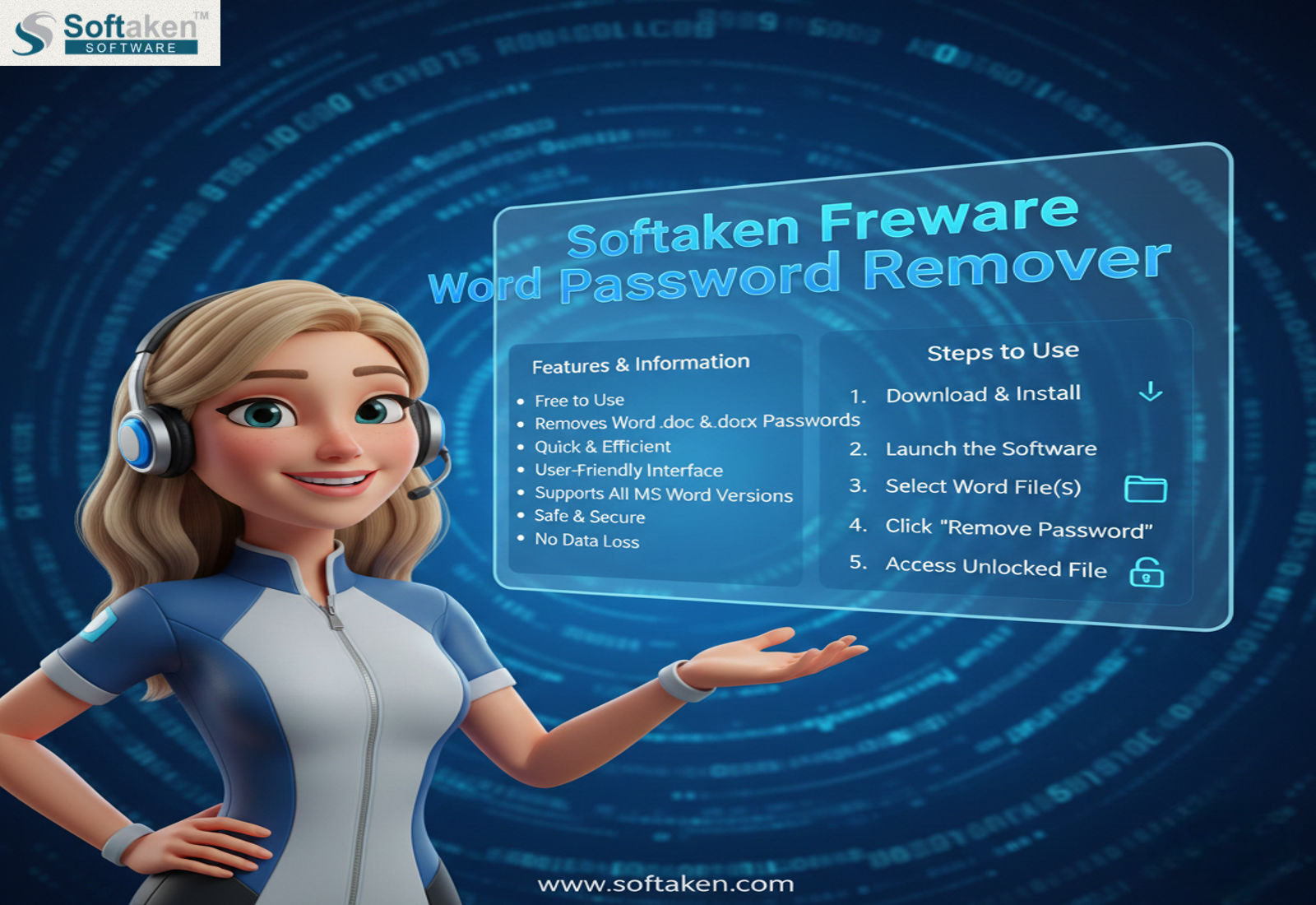
A free program called Softaken Freeware Word Password Remover Software was created especially to get rid of password security from Microsoft Word documents. Word files can be safely unlocked using this utility without causing any harm to the original contents. Users who experience password problems with Outlook email attachments or older Word documents will find this software especially helpful.
Key Features
Freeware Solution: Completely free with no hidden costs
Multiple Word Versions Support: Supports DOC and DOCX files
Easy to Use Interface: Easy to use, even for beginners
Outlook Attachment Compatible: Works with Word files received as email attachments
Data Safe Process: No changes to the original content
Fast Password Removal: Results in just a few minutes
How does Word Password Remover work?
Step-by-Step process:
Download and install the Freeware Word Password Remover software on your system.
Open the software and add the locked Word file.
Start the password removal process.
The Word file will become password-free in a short time.
Now access the file without any restrictions.
This process does not involve any data loss.
At last,
The manual method can be an excellent free solution if the password for your Word document is weak or restricts editing. However, the simplest & safest way in 2026 to open a strongly encrypted Word document that you obtained via Outlook email is to use a trustworthy independent Word password remover program.
You can simply delete the password from your Word documents without losing any data by following this guide.