VIDEOCAST VC90 4K PTZ Camera for Teaching, Live Streaming, and Broadcasting
By skywirebroadcast 19-10-2026 2
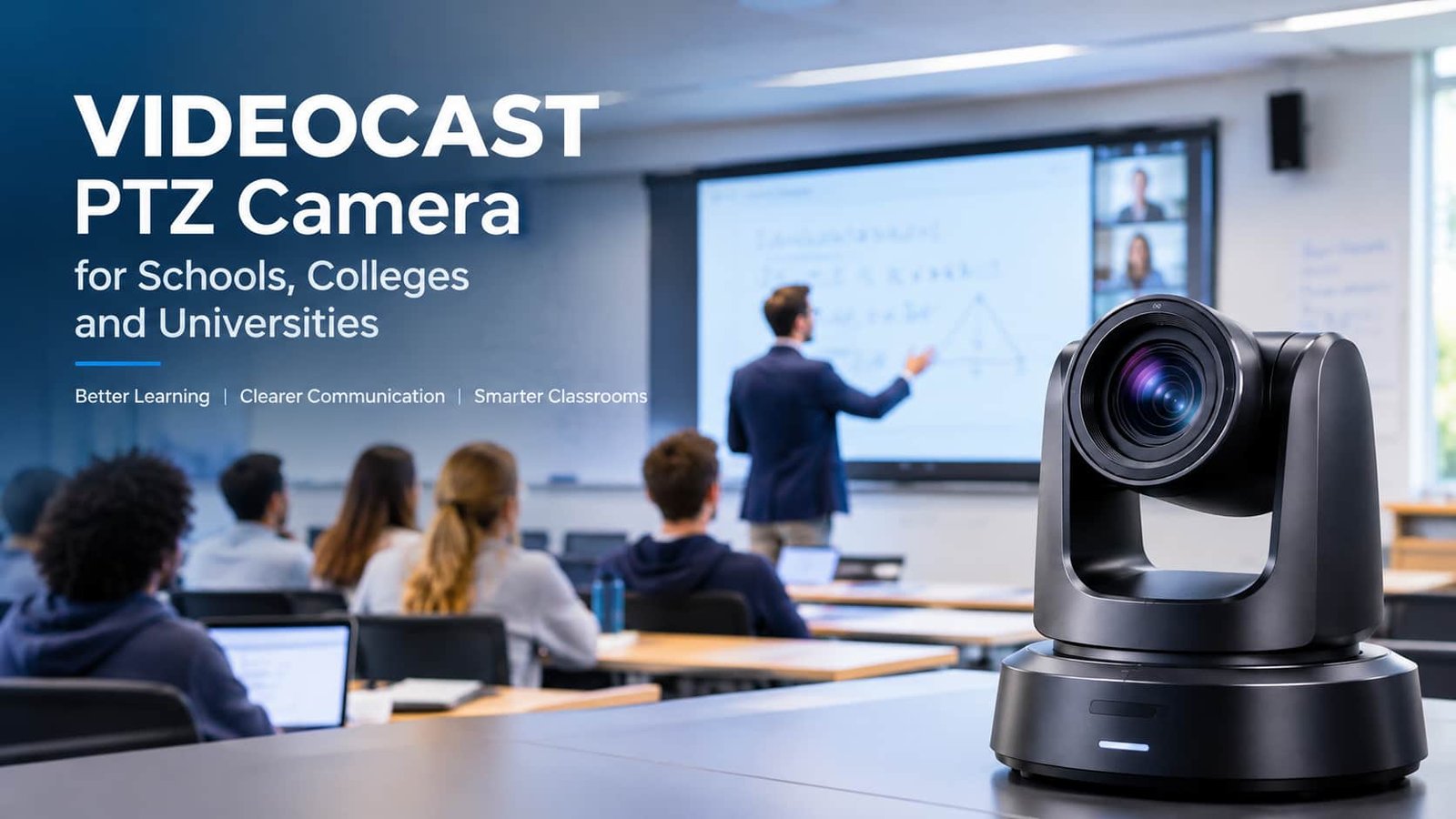
The VIDEOCAST VC90 4K PTZ camera is designed for professional video applications such as online teaching, live streaming, YouTube content creation, and broadcasting. Featuring 4K UHD resolution, 20X optical zoom, and remote pan-tilt-zoom control, this camera helps users capture detailed video and adjust camera angles without physically moving the equipment. Whether you are upgrading a smart classroom, setting up a studio, or streaming a live event, the VIDEOCAST VC90 offers a flexible solution for modern video production.
What Makes the VIDEOCAST VC90 4K PTZ Camera Special?
PTZ stands for Pan, Tilt, and Zoom. These functions allow users to control the camera's direction and zoom remotely, making it easier to capture different subjects and viewpoints.
The VIDEOCAST VC90 combines 4K UHD video with 20X optical zoom and remote camera movement. According to its published specifications, it also includes a Sony STARVIS 1/2.8-inch CMOS sensor, HDMI and USB 3.0 connectivity, and RS-232C control. These features make it worth considering for educational institutions, content creators, and professional AV installations.
Key Features of the VIDEOCAST VC90 4K PTZ Camera
1. 4K Ultra HD Video Quality
The camera supports 4K UHD resolution, delivering detailed video for lectures, presentations, demonstrations, and professional recordings. High-resolution video is especially useful when viewers need to see writing on a whiteboard, presentation details, or objects demonstrated from a distance.
For a complete 4K workflow, your capture device, computer, video switcher, and streaming platform must also support the required resolution.
2. 20X Optical Zoom
The VIDEOCAST VC90 features 20X optical zoom, helping users capture close-up shots without physically repositioning the camera.
This is useful in large classrooms, auditoriums, conference rooms, and event venues. Teachers can show details on a board, while production teams can capture speakers or stage activities from a fixed camera position.
3. Remote Pan, Tilt, and Zoom Control
Remote PTZ control allows operators to adjust the camera's horizontal movement, vertical angle, and zoom from a compatible control system.
This flexibility is helpful for switching between a wide shot and a close-up during lectures, presentations, interviews, and live events. Preset positions can also help operators return to frequently used camera angles quickly.
4. AI Auto-Tracking
AI auto-tracking is useful when a presenter moves around a classroom or stage. With compatible tracking functions and suitable configuration, the camera can follow the subject and reduce the need for continuous manual adjustments.
Before installation, test tracking performance in the actual environment, as lighting, movement, and room layout can affect results.
5. Connectivity for Professional Workflows
The VIDEOCAST VC90's published specifications include HDMI, USB 3.0, and RS-232C connectivity. These interfaces can support integration with compatible computers, video production systems, and camera controllers.
Check your equipment's requirements before purchasing, especially if you plan to use a video switcher, streaming software, or a multi-camera setup.
VIDEOCAST VC90 for Online Teaching and Education
Educational institutions increasingly use video to support online classes, recorded lectures, and hybrid learning. The VIDEOCAST VC90 can help teachers deliver clear visual presentations while allowing camera framing to be adjusted remotely.
Its optical zoom can help capture a teacher or whiteboard, while PTZ control makes it possible to change the view during a lesson. With a compatible setup, the camera can form part of a classroom recording or live-streaming workflow.
Schools, colleges, universities, and training institutes should also consider microphone placement, lighting, mounting position, and streaming connectivity when designing their systems.
VIDEOCAST VC90 for Live Streaming and Content Creation
For content creators and live-streaming professionals, camera flexibility can make a significant difference. The VIDEOCAST VC90 can be considered for webinars, tutorials, product demonstrations, interviews, and live events.
Its 4K resolution supports detailed video capture, while 20X optical zoom provides flexibility for different shooting distances. When connected to compatible production equipment, it can become part of a workflow that includes switching, recording, and online streaming.
For the best results, pair the camera with appropriate audio equipment and stable internet connectivity. Clear audio and consistent lighting are essential for professional-looking streams.
VIDEOCAST VC90 for Broadcasting and Corporate Applications
The camera may also suit smaller broadcast studios, conference rooms, corporate training spaces, and houses of worship. Remote camera movement can help operators capture multiple views without requiring a person to adjust the camera manually.
For multi-camera productions, check compatibility with your video switcher and control system. Confirm the required video formats, frame rates, and interfaces before finalizing the installation.
How to Get the Best Results
To get the most from your VIDEOCAST VC90 4K PTZ camera:
- Install it at a suitable height and angle.
- Choose the zoom range according to the distance to your subject.
- Configure PTZ presets for frequently used views.
- Test camera control and video output before going live.
- Use suitable microphones and lighting.
- Verify compatibility with your streaming software and production equipment.
These steps can help create a reliable setup for teaching, recording, and broadcasting.
Conclusion
The VIDEOCAST VC90 4K PTZ camera combines 4K UHD video, 20X optical zoom, and remote PTZ control for a range of professional video applications. It can be considered for online teaching, live streaming, content creation, corporate presentations, and broadcasting.
Before choosing a camera, review your installation requirements, connectivity, audio setup, and production workflow. Visit Skywire Broadcast to explore the VIDEOCAST VC90 and determine whether it meets your video production needs.