Is Your MacBook Screen Broken? A Complete Guide to MacBook Screen Replacement
By Rapid Repair 19-10-2026 3
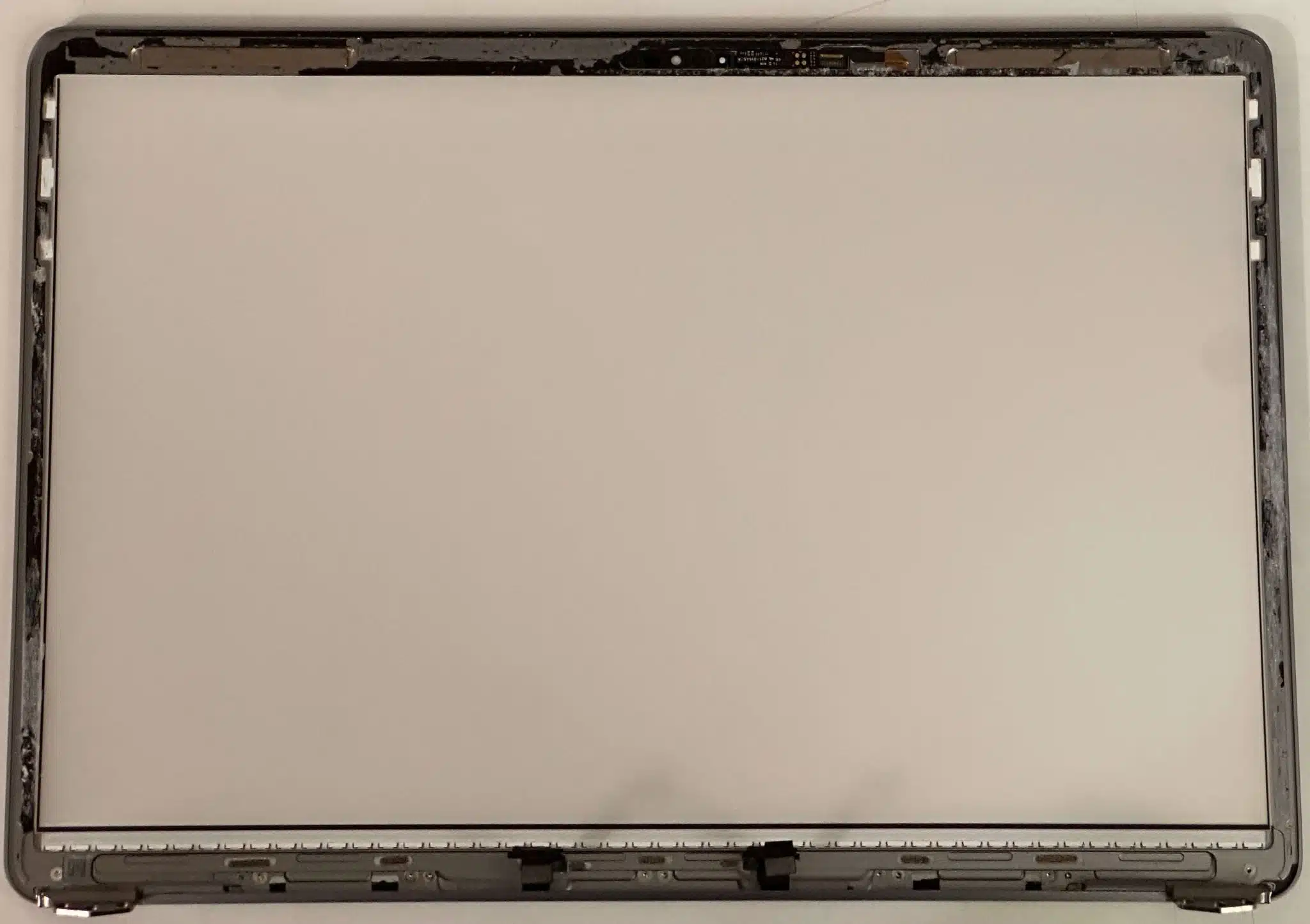
A MacBook is a reliable companion for work, studies, creativity, and entertainment. However, accidents happen. A sudden drop, accidental pressure on the lid, or an unexpected impact can damage the display and make everyday tasks difficult. Even without physical damage, display issues such as flickering, vertical lines, or a completely black screen can affect your experience.
MacBook screen replacement can help restore your device's display and make it comfortable to use again. However, before choosing a repair service, it is important to understand the problem, available repair options, and factors that influence the overall cost.
In this guide, we will explore common screen problems, explain when replacement is necessary, and share practical tips to help you make an informed decision.
What Are the Common Signs of MacBook Screen Damage?
Your MacBook may show several warning signs when its display develops a problem. Identifying these symptoms early can help you avoid further inconvenience.
1. Cracked or Shattered Display
Physical damage is one of the most obvious reasons to consider a screen replacement. Even a small crack can spread over time, while broken glass may make the laptop uncomfortable or unsafe to use.
2. Flickering or Flashing Screen
Does your display flicker when you open applications or adjust the screen angle? This could indicate a display connection issue, software problem, or damaged display hardware. A professional diagnosis can help identify the actual cause.
3. Vertical or Horizontal Lines
Colored lines, unusual patterns, or dark patches may indicate damage to the display panel. These symptoms sometimes appear after pressure is applied to the screen or the laptop is dropped.
4. Black Screen or No Display
If your MacBook powers on but shows nothing on the screen, the problem might involve the display, internal connections, or another component. Testing the device before replacing parts can prevent unnecessary expenses.
How Much Does MacBook Screen Replacement Cost?
The cost of MacBook screen replacement depends on several factors, including the model, screen size, year of manufacture, and type of damage.
For example, newer MacBook Pro models with advanced displays may cost more to repair than older MacBook Air models. The availability of compatible parts and the repair provider's pricing policy can also influence the final amount.
Before approving a repair, ask for a detailed estimate covering:
- The replacement display and its quality.
- Labor and diagnostic charges.
- Applicable taxes and additional service fees.
- Repair warranty and coverage conditions.
It is always a good idea to compare a few reliable service providers. However, avoid choosing a repair solely because it offers the lowest price. Quality parts, experienced technicians, and transparent service policies can make a meaningful difference in long-term performance.
Should You Choose Professional Repair or DIY Replacement?
When a MacBook screen breaks, you might consider fixing it yourself to save money. While online tutorials can make the process look simple, modern MacBooks contain delicate components that require careful handling.
Benefits of Professional Repair
A qualified technician can inspect the device, identify the cause of the problem, and recommend an appropriate solution. Professional service may also reduce the risk of damaging internal components during disassembly.
Depending on the model and repair provider, you may have access to genuine Apple parts or compatible replacement components. Always confirm the parts being used and understand the warranty terms before proceeding.
What About DIY Repairs?
DIY repairs may appeal to users with suitable technical experience and specialized tools. However, display assemblies can be difficult to remove and reinstall safely. An incorrect repair may damage connectors, cables, or other sensitive components.
If your MacBook is covered by AppleCare or another warranty, check the applicable terms before opening the device or using an unauthorized repair provider.
For most users, professional diagnosis is the safer starting point, especially when the screen is severely cracked or the laptop has suffered a significant impact.
How to Choose the Right MacBook Repair Service
Finding a trustworthy technician is just as important as choosing the right replacement display. A dependable service provider should explain the issue clearly and offer a realistic estimate before starting the work.
Consider these factors when comparing repair services:
Experience with MacBook models: Choose technicians familiar with your specific MacBook Air or MacBook Pro model.
Transparent pricing: Ask for a complete quote instead of relying on an attractive starting price.
Part quality: Confirm whether the replacement is genuine, refurbished, or third-party compatible.
Repair warranty: Check what the warranty covers and how long it remains valid.
Customer reviews: Look for consistent feedback about communication, repair quality, and turnaround time.
A reliable technician should also answer your questions without pressuring you into an immediate decision.
What Should You Do Before Replacing Your MacBook Screen?
A little preparation can make the repair process smoother and help protect your information.
First, back up your important files using Time Machine or another trusted backup method, if possible. Although display repairs do not normally require deleting your data, having a backup is a sensible precaution.
Next, note your MacBook's exact model and year. You can usually find model information in the system settings or through Apple's device identification resources. This information helps the technician determine which replacement parts are appropriate.
If the display is still usable, avoid applying pressure to damaged areas. Do not attempt to remove broken glass yourself, and keep liquids away from the device.
Finally, ask the service provider about the expected turnaround time, diagnostic process, and post-repair testing.
How Can You Protect Your MacBook Screen After Repair?
Once your display has been repaired, a few everyday habits can help reduce the risk of future damage.
- Close the lid gently and avoid placing objects between the keyboard and display.
- Use a well-padded laptop sleeve when carrying your MacBook.
- Keep drinks and other liquids away from your workspace.
- Avoid lifting the laptop by its screen.
- Clean the display with a soft, lint-free cloth, following Apple's cleaning recommendations.
- Store your MacBook somewhere safe when it is not in use.
These simple precautions cannot eliminate every risk, but they can help keep your device in good condition for longer.
Conclusion
A damaged MacBook display can interrupt your work and create unnecessary stress, but choosing the right repair approach can make the situation easier to manage. Whether you are dealing with cracked glass, flickering images, colored lines, or a black screen, the first step is to identify the actual cause.
MacBook screen replacement should be based on your device's condition, the quality of available parts, and the reliability of the repair service. Compare estimates, check warranty coverage, and ask questions before approving the work.
With professional guidance and sensible care, you can restore your MacBook's usability and protect your investment for the future.
Frequently Asked Questions (FAQs)
1. How long does MacBook screen replacement take?
The repair may take a few hours or several days, depending on the model, part availability, and the service provider's workload. Ask for an estimated completion time before booking.
2. Can a cracked MacBook screen be repaired without replacement?
It depends on the damage and the model. Some display-related issues may have another solution, but a cracked display assembly commonly requires replacement. A technician can confirm the appropriate repair.
3. Will I lose my data during MacBook screen replacement?
A standard display replacement does not normally erase your data because the storage drive is separate from the display. Nevertheless, backing up important files before service is strongly recommended.
4. Is it worth replacing an old MacBook screen?
It can be worthwhile if the laptop still performs well and the repair cost is reasonable compared with replacing the entire device. Consider its age, overall condition, and remaining software support.
5. How can I find a reliable MacBook screen replacement service?
Look for experienced technicians, clear pricing, quality replacement parts, positive customer feedback, and written warranty terms. Compare multiple providers before making your decision.
Tags : MacBook Screen Replacement