How to Choose the Right 4K PTZ Camera for Schools, Colleges, and Universities
By skywirebroadcast 17-10-2026 1
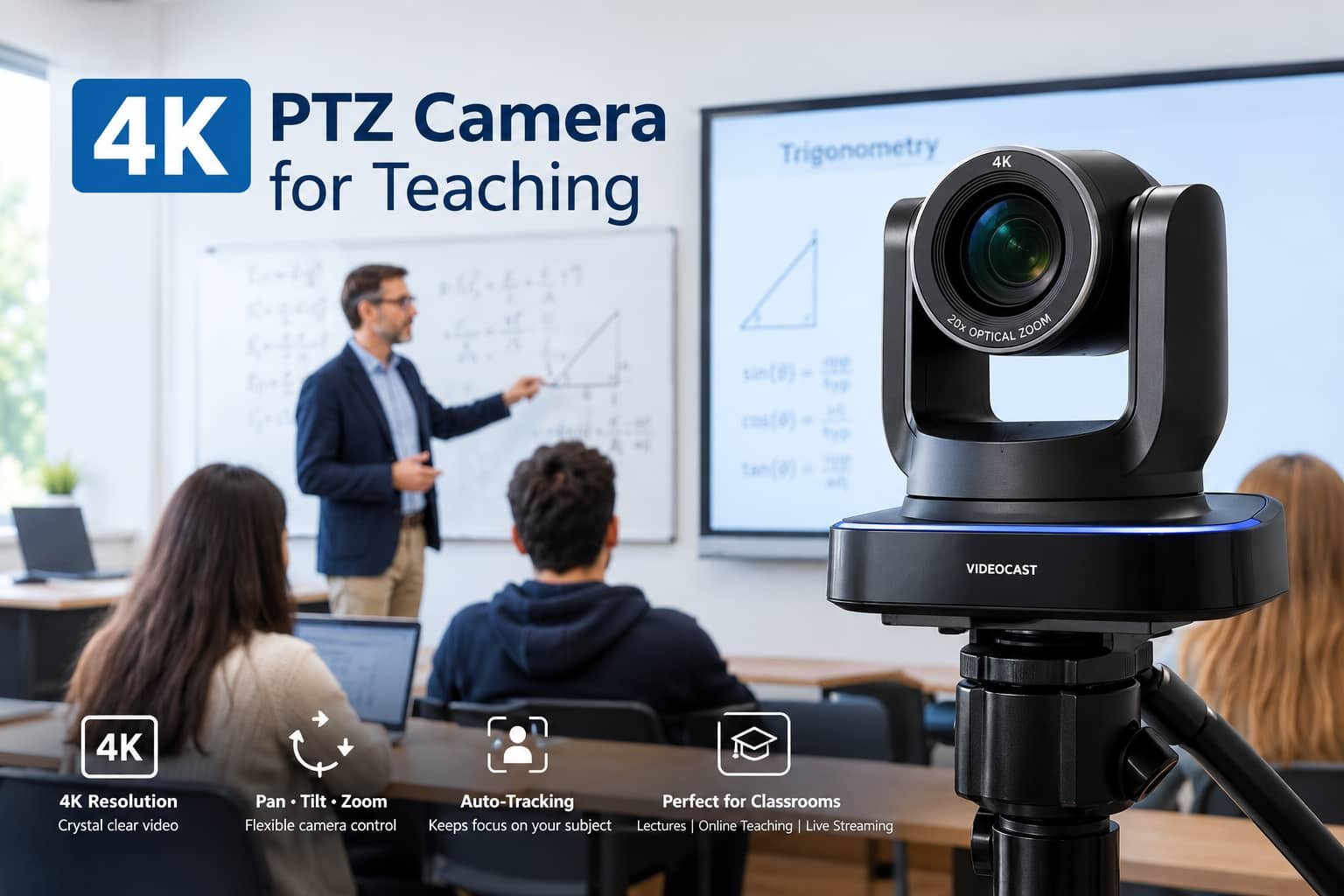
Educational institutions need reliable audiovisual technology to support smart classrooms, lecture recording, online education, and hybrid learning. Choosing the right 4K PTZ camera for schools, colleges, and universities requires more than comparing resolution or price. Institutions should consider classroom size, optical zoom, camera control, connectivity, audio integration, and future expansion requirements to select a solution that meets their teaching objectives.
A well-planned PTZ camera system can help educators capture lessons clearly and provide remote students with a better view of classroom activities.
1. Understand Your Teaching Requirements
Begin by identifying how the camera will be used. A small classroom used for online teaching may have different needs from a university lecture hall or a large auditorium.
Consider whether you need to record the teacher, capture a whiteboard, stream lectures, show practical demonstrations, or connect remote students to a live classroom.
Also determine whether the system will be operated manually, controlled remotely, or used with compatible auto-tracking features.
Clearly defining these requirements helps narrow the available options and avoid paying for unnecessary features.
2. Choose the Appropriate Video Resolution
A 4K PTZ camera can capture detailed video, which can be useful for presentations, technical demonstrations, and lecture recording.
However, resolution should not be the only purchasing criterion. The camera, capture device, computer, software, network, and destination platform must support the intended workflow to deliver the expected results.
For some smaller classrooms, Full HD may be sufficient. Institutions that need detailed recordings or flexible cropping may benefit from a suitable 4K model.
3. Evaluate Optical Zoom
Optical zoom is especially important when the camera is mounted far from the teacher.
A camera with suitable optical zoom can capture close-up views of the lecturer or board without relying entirely on digital enlargement. Larger lecture halls may require greater zoom than small classrooms.
When comparing models, consider the distance between the camera and the subject, the desired framing, and whether the camera will be used for wide classroom views as well as close-ups.
4. Check Connectivity and Compatibility
Connectivity affects how easily the camera can integrate with the existing AV system.
- HDMI: Useful for compatible video switchers, capture devices, and displays.
- USB: Useful for supported computer-based conferencing and recording workflows.
- IP connectivity: Can support network-based video transmission and control, depending on the protocols available.
Verify the actual ports, supported video formats, control protocols, and software compatibility before purchasing.
5. Decide Whether You Need Auto-Tracking
Auto-tracking can help the camera follow a teacher as they move around the classroom. This may be useful in lecture halls, training rooms, and teaching studios.
However, not every classroom requires tracking. A fixed teaching position or a system with preset camera angles may be sufficient for some lessons.
If auto-tracking is important, test the camera in a similar environment and confirm whether tracking is built in or requires additional software or equipment.
6. Consider Remote Control and Presets
A PTZ controller allows an operator to adjust pan, tilt, and zoom remotely. Presets make it possible to save and recall common views.
For example, a university may configure one preset for the lecturer, another for the whiteboard, and a third for a demonstration table.
These features can improve efficiency during lecture recording and live streaming, particularly when several views are needed.
7. Plan for Audio and Lighting
A PTZ camera captures video, but good classroom production also requires clear audio and suitable lighting.
Choose microphones based on teacher movement, room acoustics, and audience size. Depending on the environment, a wireless microphone, boundary microphone, or ceiling microphone may be appropriate.
Avoid strong backlighting and ensure the teacher is visible from the camera's installed position. Test the complete system before recording or streaming an important session.
8. Compare Installation, Warranty, and Support
A professional camera system may require mounting brackets, cabling, controllers, capture devices, or network configuration. Include these costs in the overall budget.
Also evaluate warranty coverage, technical support, spare-part availability, and installation assistance. Educational institutions should consider how easily the system can be maintained and expanded in the future.
9. Match the Camera to Your Environment
Small classrooms: Consider straightforward connectivity, appropriate zoom, and simple operation.
Large lecture halls: Prioritise optical zoom, remote control, mounting flexibility, and audio coverage.
Online teaching studios: Consider resolution, computer compatibility, lighting, recording workflow, and ease of operation.
Hybrid classrooms: Evaluate camera coverage, audio integration, network stability, and compatibility with conferencing platforms.
Multi-room campuses: Consider standardised equipment, repeatable configurations, centralised management where supported, and maintenance requirements.
Conclusion
Choosing the right 4K PTZ camera for an educational institution involves balancing image quality, zoom, control, connectivity, audio integration, and budget. By assessing classroom requirements before purchasing, schools and universities can build an AV system that supports their current teaching needs and future digital learning plans.
Skywire Broadcast provides professional audiovisual solutions for schools, colleges, and universities. Explore the VIDEOCAST PTZ camera range and contact the team for assistance in selecting suitable equipment for your classrooms, lecture halls, and recording studios.