Softaken EML to PST Converter Review: An All-Inclusive Email Migration Solution
By Judy Walker 12-05-2026 279
Introduction
When moving from email programs like Outlook Express, Windows Live Mail or Mozilla Thunderbird to Microsoft Outlook, many users eventually faces the issue of email transfer. Transferring hundreds or even thousands of EML files into Outlook can soon become a difficult operation, even while it can be possible to manually move a few email files. At this point, specialized migrating tools are useful.
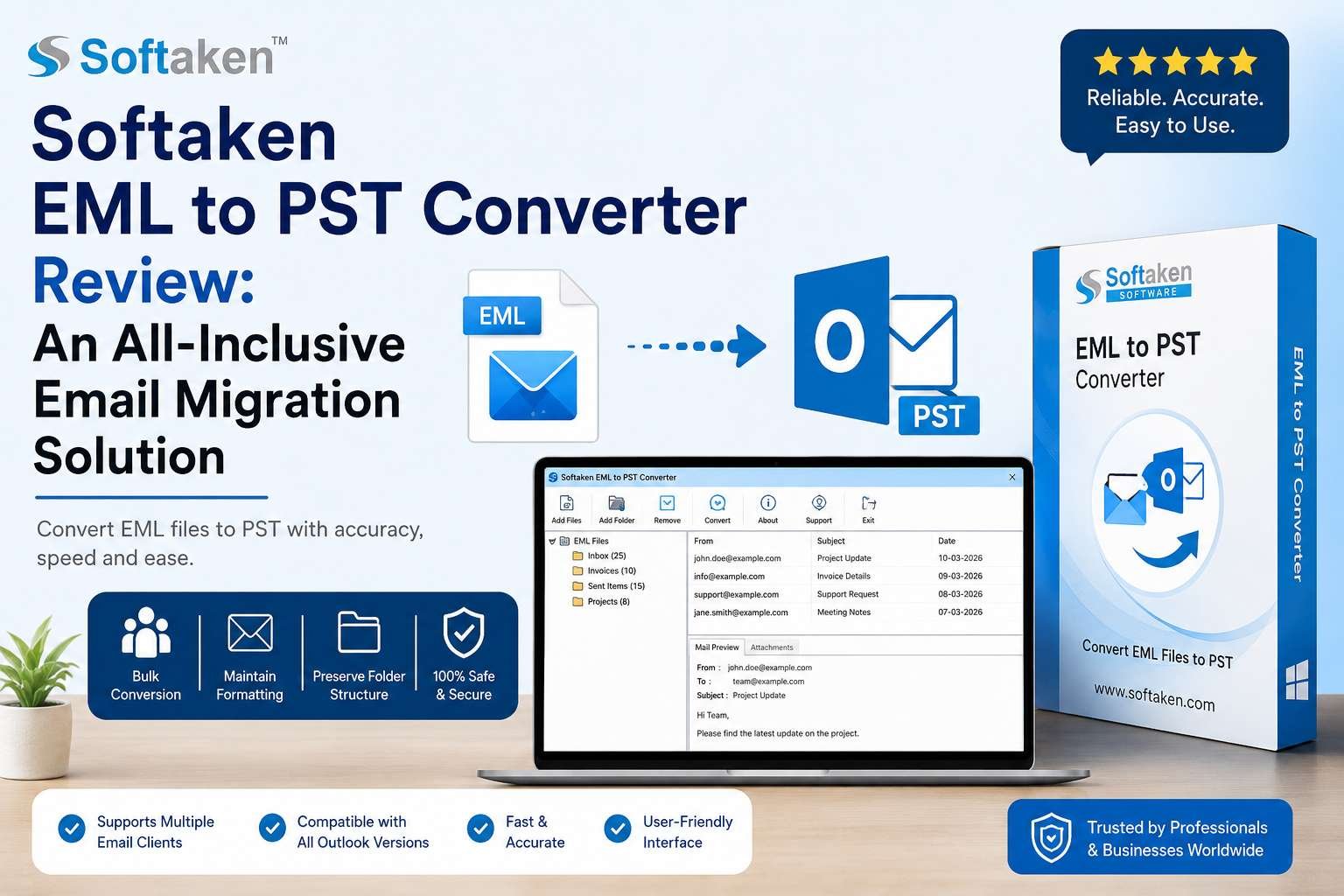
Softaken EML to PST Converter is one such program that makes it easier to convert EML files into PST format. It promises to offer a quick, precise and easy-to-use method of transferring emails without losing attachments or formatting.
This is an honest and thorough assessment of whether the program actually meets expectations after looking at its features, usability and general performance.
What is EML to PST Converter?
A professional email conversion program was created to help users convert EML files into PST format that is compatible with Outlook.
Those who are not familiar with these formats:
• Email applications like Apple Mail, Windows Live Mail and Thunderbird store individual emails in the EML file format.
• Microsoft Outlook stores mailbox data, such as emails, contacts, calendar entries and attachments, in PST files.
This converter serves as a bridge between the two formats since Outlook does not support bulk EML file imports.
This product's target market consists of both ordinary individuals and companies in need of a dependable, technologically simple migration solution.
System Requirements
Before installing the software, users should make sure that their system meets the requirements. It is lightweight and doesn't require pricey hardware.
Supported Versions of Windows:
Windows 11
Windows 10
Windows 8.1
Windows 8
Windows 7
Windows Vista
Windows XP
Processor speed: 1 GHz or higher
RAM: While 2 GB is the minimum, 4 GB is recommended for large conversions.
A minimum of 100 MB of free hard drive space
Outlook 2021, 2019, 2016, 2013, 2010, and earlier versions are supported by Outlook.
The application works well on modern Windows systems for more seamless large-scale migration tasks.
Main Features
1. Convert in Bulk
Its capacity to convert several EML files simultaneously is one of its most helpful capabilities.
Users can choose a whole folder and process every email in a single step rather than manually dragging and dropping files into Outlook one at a time. This can be quite helpful for professionals or businesses managing large-scale email migrations
2. Maintains Email Formatting
Data loss or formatting corruption is a key worry during migration.
In the course of testing, the software kept:
The email's original format
- Attachments
- Web links
- Inline pictures
- Data headers
- Recipient and sender information, accurate dates and time stamps
Email validity must be maintained at this level of preservation.
3. Maintains the Sequence of Files
The program maintains the folder structure of your EML files during conversion.
Because users do not have to manually rearrange emails after importing the PST file into Outlook, this saves a substantial amount of time.
4. An Intuitive User Interface
The layout of the program is simple.
Because the conversion process is broken down into three simple steps, even those without technical expertise can simply manage it:
1. Include folders or EML files
2. Decide where to output.
3. Begin the conversion.
There are no confusing steps or complex settings.
5. Facilitates Several EML-Based Users
EML files produced by: are compatible with the converter.
The Thunderbird
- Live Mail in Windows
- Mail on Apple
- Client eM
- The Outlook Express
Its wide interoperability allows it to be customized to meet various migration requirements.
6. Broad Compatibility with Outlook
Several versions of Outlook may import the generated PST files, including:
- Outlook 2021
- Outlook 2019
- Outlook 2016
- Outdated versions
System compatibility is ensured by this adaptability.
7. Selective Filtering Update v8.0 for March 2026
The advent of improved selective filtering functionality in March 2026 with Version 8.0 is a major improvement.
Users can now:
- Convert emails in a given time frame.
- Choose only the necessary folders to convert.
- Ignore unsolicited or duplicate emails.
- Rather of processing entire directories, choose EML files
- Before the final conversion, preview the chosen files.
This enhancement makes the tool much more useful for people managing big email databases and immediately addresses one of the previous customisation restrictions.
Pricing Context
The application is available as a free demo that allows for limited conversion for testing. This allows clients to assess the interface and basic functionality before purchasing the full license.
The full licensed version is usually promoted as an inexpensive alternative to enterprise-grade migration solutions.
Pricing is typically suitable for:
- People who need to relocate just once Small businesses
- IT professionals overseeing modest moves
For users who need to move their emails frequently or extensively, the cost is affordable given the options available.
Performance Evaluation
Reliability and speed are crucial when assessing any conversion process.
Rate of Conversion
With medium-sized EML batches, the application performs admirably. Without any discernible lag, several hundred files were converted in a matter of minutes.
However, conversion speed naturally decreased when working with very large folders that contained thousands of EML files. For enterprise-scale migrations, this is noteworthy but anticipated.
Exactness
It provides accurate conversions.
Emails held onto their
- The topic line Formatting the body
- Attachments
- Metadata
- Organizing folders
During the test, there were no broken attachments or missing emails
System Efficiency
On Windows systems, the software functions smoothly and consumes less resources.
It didn't freeze or crash even during prolonged conversions.
Benefits
The tool's primary benefits are as follows:
- An intuitive interface
- Support for batch conversion
- Preserves data accuracy
- Accommodates several email clients
- Outlook compatibility is good.
- Stable performance
- v8.0's enhanced selective filtering
Cons
Because no software is flawless, this program has certain flaws
1. Brief Free Trial
Only a small number of files can be converted with the demo version.
Although it makes sense, consumers who want to thoroughly assess the product may find it restricting
2. Restricted to Windows
Windows operating systems are currently the program's primary focus.
Users of macOS systems can find this annoying.
3. Remains Restricted in Relation to Enterprise-Level Filtering
The March 2026 v8.0 selective filtering update greatly enhances customization, but it still lacks sophisticated enterprise-level capabilities like
- Scripting for rule-based migration
- Exclusion criteria for deep metadata
- Workflow scheduling that is automated
Who Can Make Use of This Tool?
The ideal uses are:
- Individual users transferring their private messages
- Professionals switching to Outlook
- Small companies switching to other email providers
- IT managers in charge of responsibilities related to moderate migration
Organizations that need more complicated migration requirements may find it less appropriate.
Final Verdict
All things considered, it is a dependable and user-friendly tool for converting EML files into PST format.
Its straightforward interface, precise conversion engine, and capacity to maintain the full email structure during migration are its main features.
The tool's adaptability has been increased with the March 2026 v8.0 selective filtering update, making it a more robust migration solution than previous iterations.
It is definitely something to think about if you're searching for a reliable and useful tool to transfer EML files to Outlook without any technical issues.
Rating: 4.5 out of 5.
Even while it isn't the most sophisticated transfer option out there, the v8.0 enhancements make it even more efficient for routine email conversion requirements.
Tags : EML PST Convert EML to PST