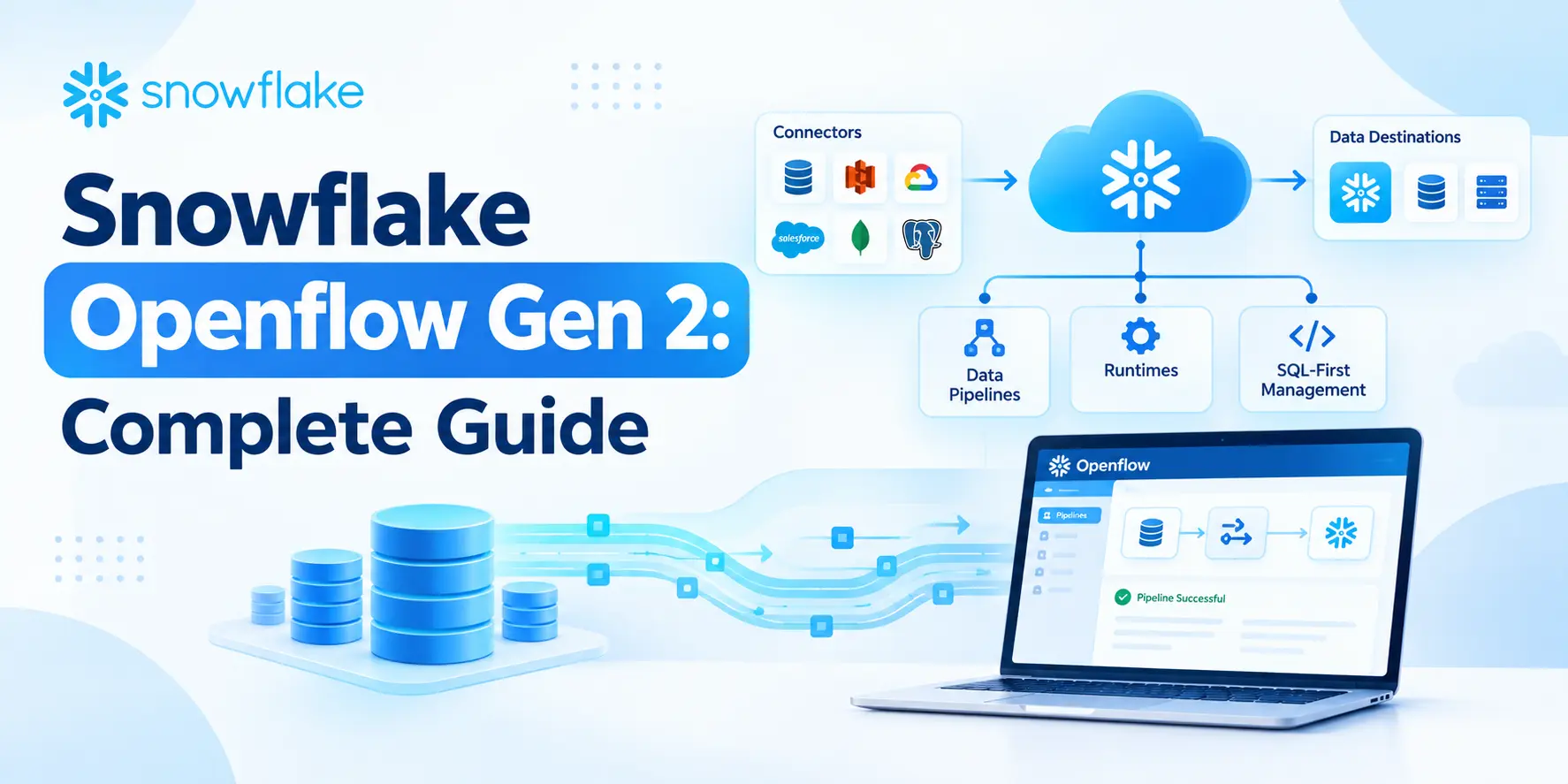
Moving data between different systems is a common challenge in modern data engineering. A company may have data coming from databases, applications, APIs, cloud storage, and other business systems. Getting all of that data into the right place reliably can require several tools and a lot of manual configuration. Snowflake Training in Chennai helps learners understand how modern Snowflake data integration features can simplify these workflows, including Openflow Gen 2.
What Is Snowflake Openflow Gen 2?
Snowflake Openflow Gen 2 is a managed data integration service designed to help organizations build and manage data flows between different systems.
It is based on the Apache NiFi technology and provides a visual approach to designing data pipelines. Instead of writing large amounts of custom integration code, data engineers can create flows using processors and configure how data should move from one system to another.
A simple data flow can look like:
Source System → Openflow Gen 2 → Snowflake → Analytics
For example, customer data may exist in an operational database. Openflow Gen 2 can be used to move that information into Snowflake, where it can later be transformed and analyzed.
Why Is Openflow Gen 2 Needed?
Traditional data integration can involve several moving parts.
A data engineer might need to:
- Connect to the source system
- Extract data
- Handle authentication
- Transfer files or records
- Monitor failures
- Retry unsuccessful operations
- Load data into the destination
- Maintain custom integration scripts
As the number of data sources increases, maintaining these pipelines becomes harder.
Openflow Gen 2 provides a managed environment where data flows can be created, monitored, and maintained without having to manage the underlying infrastructure yourself.
The visual flow-based approach also makes it easier to understand how data moves through a pipeline.
How Does Snowflake Openflow Gen 2 Work?
The basic concept is straightforward.
First, a data engineer identifies the source from which data needs to be collected. This could be a database, application, API, file system, or another supported source.
The data then passes through configured processors that perform specific tasks.
For example:
Database → Extract → Filter → Transform → Snowflake
Each stage can perform a specific function.
One processor might retrieve records, another might filter unwanted data, and another might prepare the data before sending it to Snowflake.
This makes complex workflows easier to visualize and troubleshoot.
What Are Processors?
Processors are one of the important concepts in Openflow Gen 2.
A processor performs a specific action within a data flow.
Depending on the requirement, processors can be used for tasks such as:
- Reading data
- Writing data
- Filtering records
- Converting formats
- Routing data
- Executing logic
- Sending data to another service
Think of processors as individual building blocks.
Instead of creating one large program that handles the entire pipeline, you can connect smaller processing steps together.
For example:
Read Data → Validate → Transform → Route → Load
Each step has its own responsibility.
Openflow Gen 2 and Snowflake
Openflow Gen 2 can be particularly useful when Snowflake is being used as the central data platform.
Suppose an organization has customer information in PostgreSQL, transaction files in cloud storage, and application data coming through an API.
The organization may want to bring these datasets into Snowflake.
A possible architecture could be:
PostgreSQL ──────┐
│
Cloud Storage ───┼──→ Openflow Gen 2 ──→ Snowflake
│
API ─────────────┘
Once the data reaches Snowflake, other processes can handle transformation, modeling, reporting, machine learning, or analytics.
Openflow Gen 2 vs Traditional ETL Scripts
One of the biggest differences is how pipelines are developed and maintained.
With traditional integration scripts, developers may need to write and maintain custom code for connections, data movement, error handling, and scheduling.
With Openflow Gen 2, much of the pipeline can be configured visually using reusable components.
This does not mean coding is no longer useful. SQL, Python, APIs, and other technologies are still important in data engineering.
The difference is that Openflow provides a managed framework for connecting and moving data, reducing the amount of infrastructure and custom integration work required.
Handling Real-Time and Streaming Data
Modern applications can generate data continuously rather than producing one file every night.
For example, an e-commerce application may generate events whenever a customer:
Views a product → Adds it to cart → Places an order
An organization may want these events to reach its analytics platform quickly.
Openflow Gen 2 can be used to build data flows for continuous data movement where supported by the source and destination.
This makes it useful for architectures where data needs to move frequently rather than relying only on traditional batch processing.
Error Handling and Monitoring
A pipeline is not useful if nobody knows when it fails.
Openflow Gen 2 provides capabilities for managing and monitoring data flows. Data engineers can design flows that handle different outcomes and route data appropriately.
For example, suppose 10,000 records are received and 50 contain invalid values.
Instead of allowing the entire process to fail, the flow can be designed to separate valid and invalid records.
The valid records can continue toward Snowflake, while problematic records can be routed for investigation.
This type of design is important in production data pipelines because source data is not always perfect.
When Should You Use Openflow Gen 2?
Openflow Gen 2 can be a good choice when an organization needs to connect multiple systems and continuously move data between them.
Typical use cases include:
Database integration: Moving operational data into Snowflake.
API integration: Collecting information from external or internal APIs.
File-based pipelines: Processing data from supported file and storage systems.
Event-driven workflows: Moving continuously generated data through integration flows.
Hybrid environments: Connecting systems across different environments.
The right approach depends on the source, destination, data volume, latency requirements, and transformation complexity.
Benefits of Snowflake Openflow Gen 2
There are several reasons data teams may consider Openflow Gen 2 for integration workflows.
Managed infrastructure: Teams can focus more on building data flows rather than managing the underlying platform.
Visual development: Flow-based design makes pipeline logic easier to understand.
Flexible integrations: Different sources and destinations can be connected through configurable processors.
Better monitoring: Data flows can be observed and managed from a centralized environment.
Reduced custom code: Many common integration tasks can be configured rather than developed from scratch.
Scalable architecture: It can support modern data movement patterns across multiple systems.
A Simple Real-World Example
Consider an online retail company.
Customer orders are generated in an application database. The company wants these orders available in Snowflake for reporting.
The pipeline could be:
Application Database → Openflow Gen 2 → Validation → Transformation → Snowflake
Openflow retrieves the required data, checks the records, performs the configured processing, and sends the resulting data to Snowflake.
Once the data is available, analysts can use it for dashboards, sales analysis, customer reporting, and other business requirements.
This approach keeps data movement separate from downstream analytics.
Final Thoughts
Snowflake Openflow Gen 2 provides a practical way to build managed data integration pipelines without depending entirely on custom scripts and infrastructure. Its flow-based approach makes it easier to visualize how data travels between systems while providing tools for processing, routing, monitoring, and managing data movement.
For data engineers, understanding Openflow Gen 2 is useful because modern data platforms are rarely limited to a single source. Companies often need to bring data together from databases, APIs, applications, and cloud services before it can be analyzed.
Learning these concepts through hands-on exercises, SQL, data integration scenarios, and real project workflows can make Snowflake much easier to work with. Qmatrix Technologies focuses on practical learning that helps learners connect Snowflake concepts with the kind of data engineering workflows used in real projects.
Tags : .....