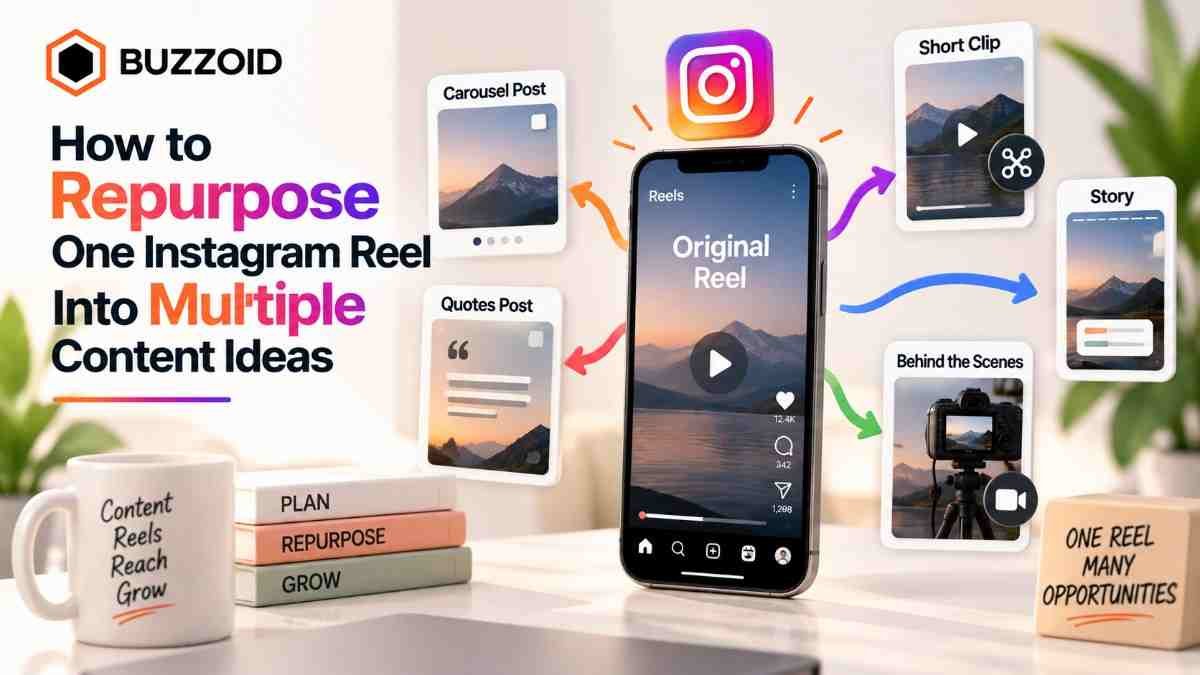
Creating content every day can be time-consuming, especially when you prioritize quality over quality, as neither topics nor content creation are easy. However, you don't have to come up with fresh content and ideas every day. If you have a working Reel, you can get ideas for creating four to five new Reels from it, as it can provide you with smaller topics, examples, questions, and content in different formats that relate to your Reel's content. In this guide, you'll learn how to turn one Instagram Reel into multiple content ideas instead of reposting the same content over and over again. Let's get started.
Start With the Core Idea of Your Reel
First, understand the main idea or problem addressed in the Reel. Then, identify the topic and the most frequently occurring points. Understanding this in depth will help you create your next piece of content, as it will give you an idea of which points to include in your content. Furthermore, you will also get an idea of the points to cover, which can help you create your next Reel.
Example:
Reel topic: “3 Instagram Reel mistakes”
This can lead to multiple subtopics.
Turn One Reel Into a Carousel
The information provided in a Reel doesn't have to be simply copied and pasted into multiple carousels; instead, you need to expand it and explain it to the user in a more detailed manner.
Carousel Example Slides
Slide 1: Main problem
Slide 2–4: Individual mistakes
Slide 5–7: Examples + fixes
Final slide: Quick checklist
To direct users from the carousel to other content, if you want to provide relevant and useful information related to this topic, a Next Reel can be very beneficial. This will keep users paying attention to your carousel and will also move on to the Reel.
Create Follow-Up Reels From Individual Points
When you break down a single Reel into different topics, it gives you ideas for creating a different content type for the next Reel. For example, if your Mistakes shows and reveals three mistakes, each mistake can become a dedicated follow-up Reel. You can easily get Instagram content ideas for your next Reel from one Reel. You just need to deeply analyze what that Reel is saying. Any additional information or omissions can be included as new information in the next content.
Convert Audience Questions Into New Content
Did you know that comments on your Reel aren't just for increasing engagement, but also highlight your Reel's weaknesses and strengths? You can find ideas for your next content in the comments. When users repeatedly ask you for comments with confusion, objections, or requests, it's a positive signal that your Reel is performing well. You should use these requests and objections as future ideals for your content.
Example:
Comment: "What if I don't have good editing skills?"
Next Reel: How to Make a Clean Instagram Reel Without Advanced Editing
Conclusion:
The purpose of repurposing good content isn't just to add information to your other content. Rather, it's about enhancing the content through a strong format, examples, and questions. If you're new to Instagram and struggling to build social proof and visibility, simply posting content isn't enough; followers are crucial. This is where Buzzoid can play a significant role if used correctly. For more information, visit the website.
FAQs
How do I repurpose an Instagram Reel into multiple posts?
To repurpose an Instagram Reel into multiple posts, you need to separate its key points. These points can be used to create different formats of content. For example, you can create a carousel post using key points from a Reel or use important tips in a single post.
Can I turn an Instagram Reel into a carousel?
Yes, you can use key points from your Reel in a carousel. However, you should expand the information rather than copying and pasting the same points into a carousel.
How many pieces of content can I create from one Reel?
You can create three types of content in a single Reel: keep your points in a carousel, use a single image for any important tips, and include questions in the Reel in the story.
Tags : .....