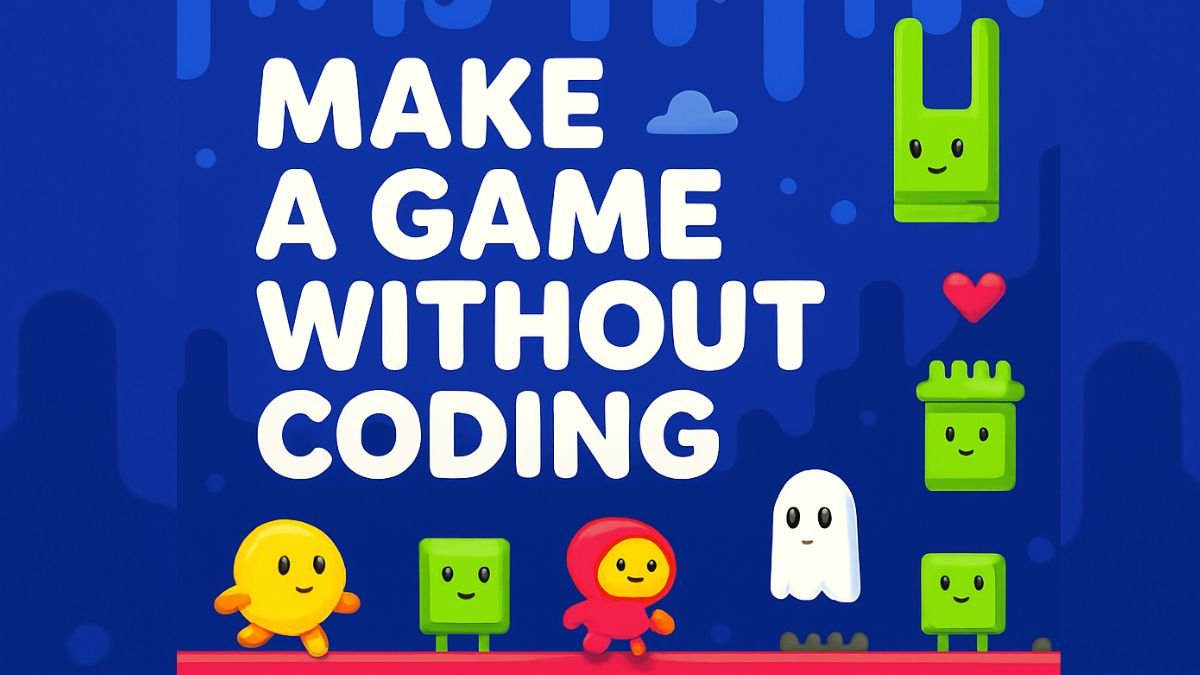
Creating a game is no longer limited to professional developers. Today, beginners can build simple and interactive games using free no-code platforms and AI-powered tools. Many users now search for how to make a game without coding because modern game development apps make the process much easier.
In this guide, we will explain how beginners can create games using free apps, which no-code tools are best, and how you can start game development without programming knowledge.
At HindiSink, we regularly share trending technology, AI tools, and smartphone-related tutorials for beginners.
What is No-Code Game Development?
No-code game development means creating games without writing programming code. Instead of coding manually, users can use:
- drag-and-drop systems
- visual editors
- ready-made templates
- AI-based game tools
These platforms help beginners focus more on creativity and gameplay design instead of technical coding.
Best Free Apps to Make Games Without Coding
Several beginner-friendly tools are available online.
1. GDevelop
GDevelop is one of the most popular no-code game engines for beginners. It allows users to create 2D and simple 3D games using visual game logic.
Features:
- Free to use
- Drag-and-drop interface
- Beginner-friendly
- Mobile game support
2. Construct
Construct helps users build games quickly using visual design systems. It is widely used for:
- puzzle games
- platform games
- arcade games
3. Scratch
Scratch is ideal for students and beginners learning game logic. It uses block-based actions instead of coding syntax.
4. Buildbox
Buildbox is another beginner-friendly platform for creating mobile games using templates and drag-and-drop tools.
How to Make a Game Without Coding
Creating a beginner-level game is much easier today.
Step 1: Choose a Game Idea
Start with a simple concept such as:
- racing game
- puzzle game
- endless runner
- action game
Simple ideas are easier to complete successfully.
Step 2: Select a No-Code Game Engine
Choose a beginner-friendly platform like:
- GDevelop
- Construct
- Scratch
Your game engine will handle most technical work automatically.
Step 3: Add Characters and Graphics
Use:
- free assets
- templates
- icons
- backgrounds
Many game engines provide built-in design resources.
Step 4: Create Gameplay Rules
Using drag-and-drop logic, you can:
- add movement
- create scoring systems
- add enemies
- create levels
Modern tools simplify gameplay design without coding.
Step 5: Test Your Game
Testing helps improve:
- controls
- graphics
- performance
- gameplay experience
Always test your game before publishing.
Why No-Code Game Development is Growing
Many beginners now prefer no-code tools because they:
- save time
- reduce learning difficulty
- lower development costs
- improve creativity
Several online communities also discuss how beginners successfully create apps and games without technical backgrounds.
Benefits of Free Game Development Apps
| Benefit | Description |
|---|---|
| Beginner Friendly | Easy for new users |
| No Coding Needed | Visual tools simplify development |
| Faster Development | Build games quickly |
| Free Access | Many tools are free |
| Creative Freedom | Design your own ideas |
AI Tools Helping Game Development
AI tools are now helping creators generate:
- game ideas
- storylines
- characters
- scripts
- game assets
Tips for Beginner Game Developers
Start Small
Avoid making large complex games initially.
Use Free Templates
Templates save time and help beginners learn faster.
Practice Consistently
Game development improves with practice.
Focus on Gameplay
Simple but fun gameplay performs better.
Future of No-Code Game Development
The gaming industry is growing rapidly, and no-code platforms are making game creation accessible for everyone. Many creators are now building mobile games without technical experience using AI and drag-and-drop systems.
FAQs
Can beginners create games without coding?
Yes, modern no-code platforms allow beginners to create games using visual tools and templates.
Which app is best for no-code game development?
GDevelop is considered one of the best beginner-friendly no-code game engines.
Can I publish games made without coding?
Yes, many no-code platforms allow users to export and publish games on mobile and web platforms.
Final Words
Making games without coding has become easier than ever. With tools like GDevelop, Construct, and AI-powered platforms, beginners can now turn their game ideas into reality without programming skills.
HindiSink continues to share beginner-friendly technology guides, AI tutorials, and digital creator resources to help users learn modern online skills easily.