Best Ethernet Cables for Work-from-Home Setups: Speed, Stability, and Comfort
By FEDUS INDIA 13-07-2026 245
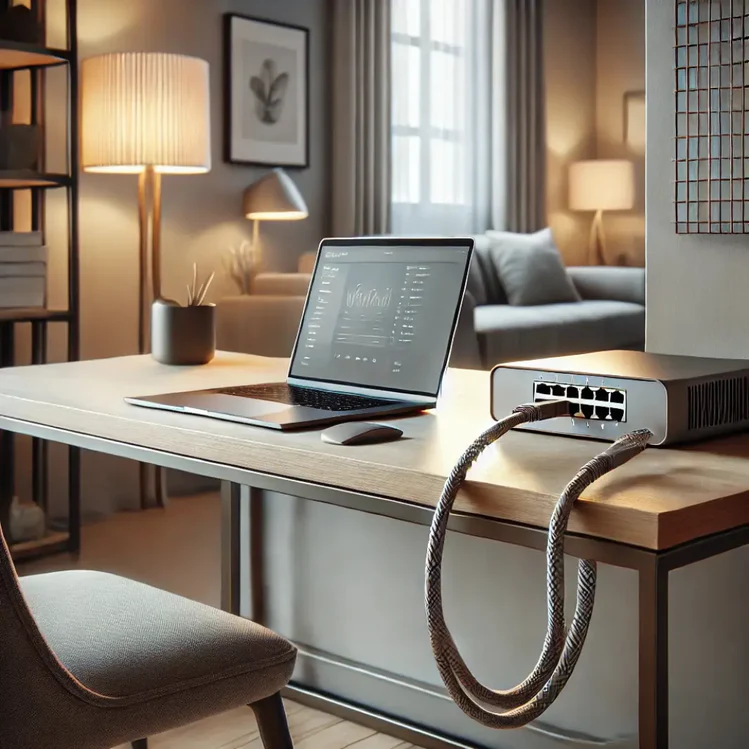
Remote work has become the new normal, making a fast and dependable internet connection essential for staying productive. Whether you're attending Zoom meetings, uploading large files, accessing cloud applications, or collaborating with your team, a reliable wired connection can significantly improve your work experience.
While Wi-Fi offers convenience, it often suffers from signal drops, interference, and inconsistent speeds. A high-quality Ethernet Cable provides a direct connection to your router, ensuring maximum speed, lower latency, and uninterrupted performance throughout your workday.
In this guide, we'll explore why Ethernet cables are the ideal choice for work-from-home setups and how to choose the best one for speed, stability, and long-term reliability.
Why Use an Ethernet Cable for Working from Home?
A wired connection offers several advantages over wireless networking, especially for professionals who rely on a stable internet connection every day.
Faster Internet Speeds
A premium High-Speed Ethernet Cable delivers consistent data transmission without the fluctuations commonly experienced on Wi-Fi. This means quicker downloads, faster uploads, and smoother access to cloud-based applications.
Stable Connection
Unlike Wi-Fi, which can be affected by walls, distance, or nearby electronic devices, an Ethernet Cable maintains a direct and reliable connection to your router. This stability is especially valuable during video meetings and important client presentations.
Lower Latency
A wired connection significantly reduces network delay (latency), resulting in smoother video conferencing, faster response times, and uninterrupted online collaboration.
Better Security
Since data travels through a physical cable rather than over wireless signals, Ethernet connections provide an additional layer of security, making them ideal for handling confidential business information.
Choosing the Right Ethernet Cable
Not every Ethernet cable offers the same level of performance. Understanding the different cable categories will help you select the best option for your home office.
Cat5
Supports speeds up to 100 Mbps and is suitable only for basic internet browsing. It is no longer recommended for modern work environments.
Cat5e
An improved version of Cat5, supporting speeds up to 1 Gbps while reducing network interference. Suitable for light office tasks and everyday internet usage.
Cat6 Ethernet Cable
A Cat6 Ethernet Cable is the most recommended choice for work-from-home professionals. It supports Gigabit speeds over long distances and up to 10 Gbps over shorter runs, making it perfect for video conferencing, cloud computing, and large file transfers.
Cat6a
An enhanced version of Cat6 capable of maintaining 10 Gbps speeds up to 100 meters. Ideal for demanding home offices or small business networks.
Cat7
Offers superior shielding to minimize electromagnetic interference and supports high-speed data transmission. A great choice for professionals working with media files or heavy workloads.
Cat8
The latest Ethernet cable standard supports speeds up to 40 Gbps. While incredibly fast, it is generally intended for enterprise environments and advanced networking rather than standard home offices.
Key Factors to Consider Before Buying
Cable Length
Measure the distance between your router and workstation before purchasing. Choosing the correct length helps maintain signal quality while keeping your workspace neat and organized.
Shielding
If your desk is surrounded by multiple electronic devices, consider shielded Ethernet cables for improved protection against electromagnetic interference.
Build Quality
Look for cables with:
- Pure copper conductors
- Durable PVC or braided jackets
- Gold-plated RJ45 connectors
- Reinforced strain relief
- High-quality insulation
These features ensure long-lasting performance and reliability.
Tips for Optimizing Your Ethernet Connection
To get the best performance from your Ethernet setup:
- Use cable clips or sleeves for better cable management.
- Keep cables away from electrical power cords.
- Avoid unnecessary cable lengths to reduce clutter.
- Regularly test your internet speed.
- Pair your Ethernet cable with a modern Gigabit router.
- Replace damaged or worn-out cables promptly.
Final Thoughts
A dependable Ethernet Cable is one of the smartest investments you can make for a productive work-from-home environment. Compared to Wi-Fi, it offers faster speeds, lower latency, stronger security, and greater reliability, ensuring seamless virtual meetings, quicker downloads, and uninterrupted workflow.
For most users, a Cat6 Ethernet Cable provides the ideal balance of speed, durability, and affordability. Whether you're working remotely full-time or occasionally from home, choosing the right Ethernet cable will help you stay connected, productive, and efficient every day.